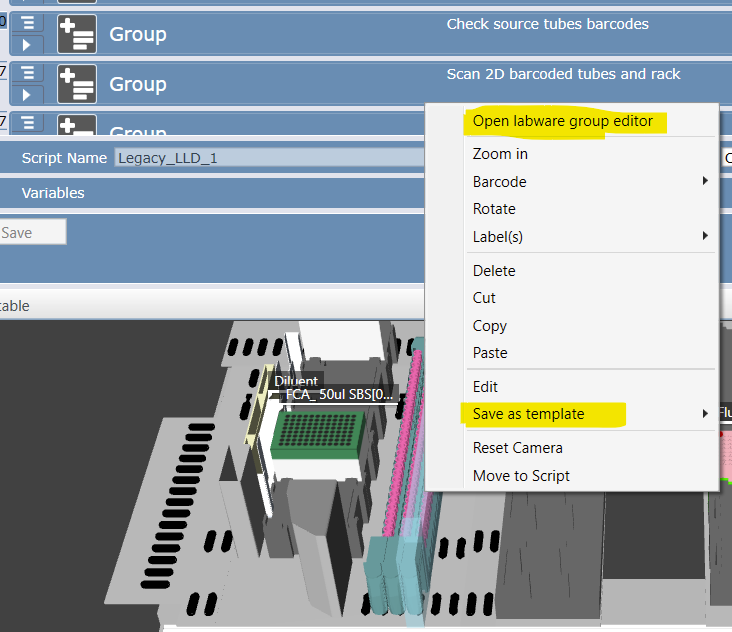
Is there a way to change the default tubes in an adapter? For example, if I put in the default 48 well tube adapter it’s auto populated with 1.5 mL tubes. How would I have it so that it starts empty or with a different size tube?
Hi, I think I have a way of doing this. First off, if it’s a built-in factory definition make a copy of it so that it is not read-only. Then you should be able to use the Labware Group Editor to change whether tubes are present or absent in a particular site, and which type of tubes they are. Once you have it how you want it, you can save and close the labware group editor, then right click on the labware and select Save As Template and that should preserve the setup. You may also need to allow the tubes as a labware type if they do not show in the list to drag onto the Labware Group Editor. We can also take a quick look at it over TeamViewer if you’d like. Mike Mueller Nucleus Automation Partners www.nucleus-automation.com