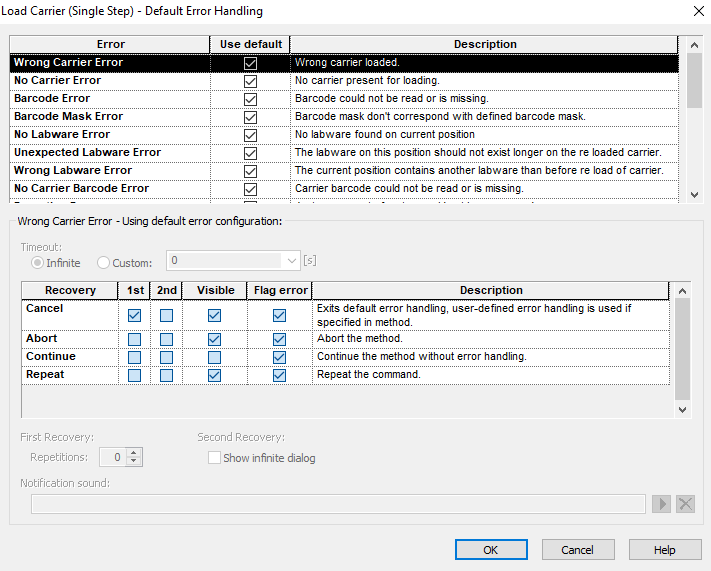
I’ve encountered a weird issue with a method that was previously working. When it is loading carriers there is a specific carrier that it will load, then instead of advancing to the next carrier it tries to load the next carrier into the position it just loaded which fails because it is a different kind of carrier so obviously the barcodes don’t match. The deck layout is accurate to the deck and the carrier load steps are accurate as far as I can tell.
Any chance that the second carrier it tries to load is a single-track carrier like a SMP_CAR_32_A00?
If so, this is happening because the teach point on the 1-track carrier has “rolled” that carrier over onto the previous track, so geometrically it “thinks” that 1T carrier is on that other track that you’d just loaded. The trick to fixing this is to ensure your teach point in the 1T carrier is correct, and if it is, to use VirtualLabware to fake that carrier location during the loading process and then reset it to the real teachpoint after the loading processes.
The easiest way to adjust the X coordinate so that it does not affect loading is to set the x offset of the containers within the rack definition. See the post below: