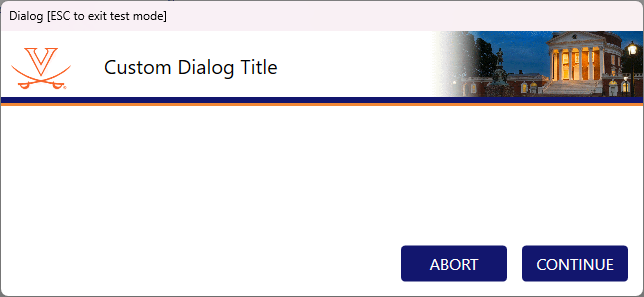
Does anyone know how to make a new Custom Dialog template? For clarity - I mean a custom dialog created using the in-built Custom Dialog steps, not one of the ASW libraries or similar.
I have the template provided by Hamilton (Hamilton1Enu.cdt) that I’ve been using for years but I’d like to make something bespoke for my organization.
From some cursory Googling, it looks like the template is a Corel Draw Template file. I don’t have access to Corel Draw. Are there any other supported formats? Or is there an alternative way of working with these files?
I think the best way to start would be to export the Hamilton template from the custom dialog editor in VENUS. The export function can be found in the top left of the window and then you will have a .xaml file as well as a folder of images in your target location upon export.
And while it’s very old, there are tools like kaxaml on github that allow you to make edits and preview your dialog template. Once you have a new .xaml you should be able to import it directly back into the custom dialog editor. I would also imagine you could find a .xaml to .cdt conversion tool online somewhere so that you can actually save the dialog as a template and drop it in the Hamilton config folder.