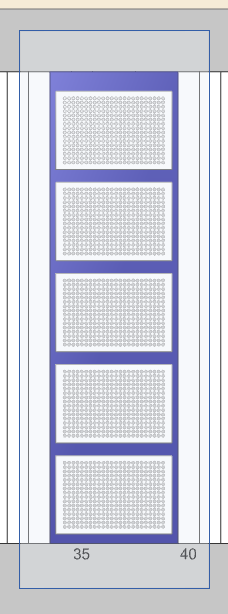
Hey all! I am using the nested tip rack carriers for Hamilton for some of our methods. We have been using them for a while, and they have served us well. However, I am putting one onto a deck layout that has not used them before, and I cannot figure out how to make a sequence out of them. There does not appear to be a default sequence and the Stamp Tool does not highlight the tip positions.
Has anyone run into this before? If so, can you guide me in how to create a sequence from them? The carrier I am trying to add is a TIP384_CAR_NTR_50ul_7680_A00.
Please let me know! Thank you!
Figured it out, in case anyone else runs into this in the future. I had my deck layouts in the 2D view. I was able to select them by switching to 3D view. Annoying, but it did the job.
1 Like
Never mind, reopening this. When I try to sort the sequence after adding everything, I get an error that says “Not Implemented.” No idea why. Does anyone have any ideas? I feel like there should be an easier way to do this.
Sorry to hear about the issues - I have not been able to recreate them though.
I dragged the following labware to the deck.

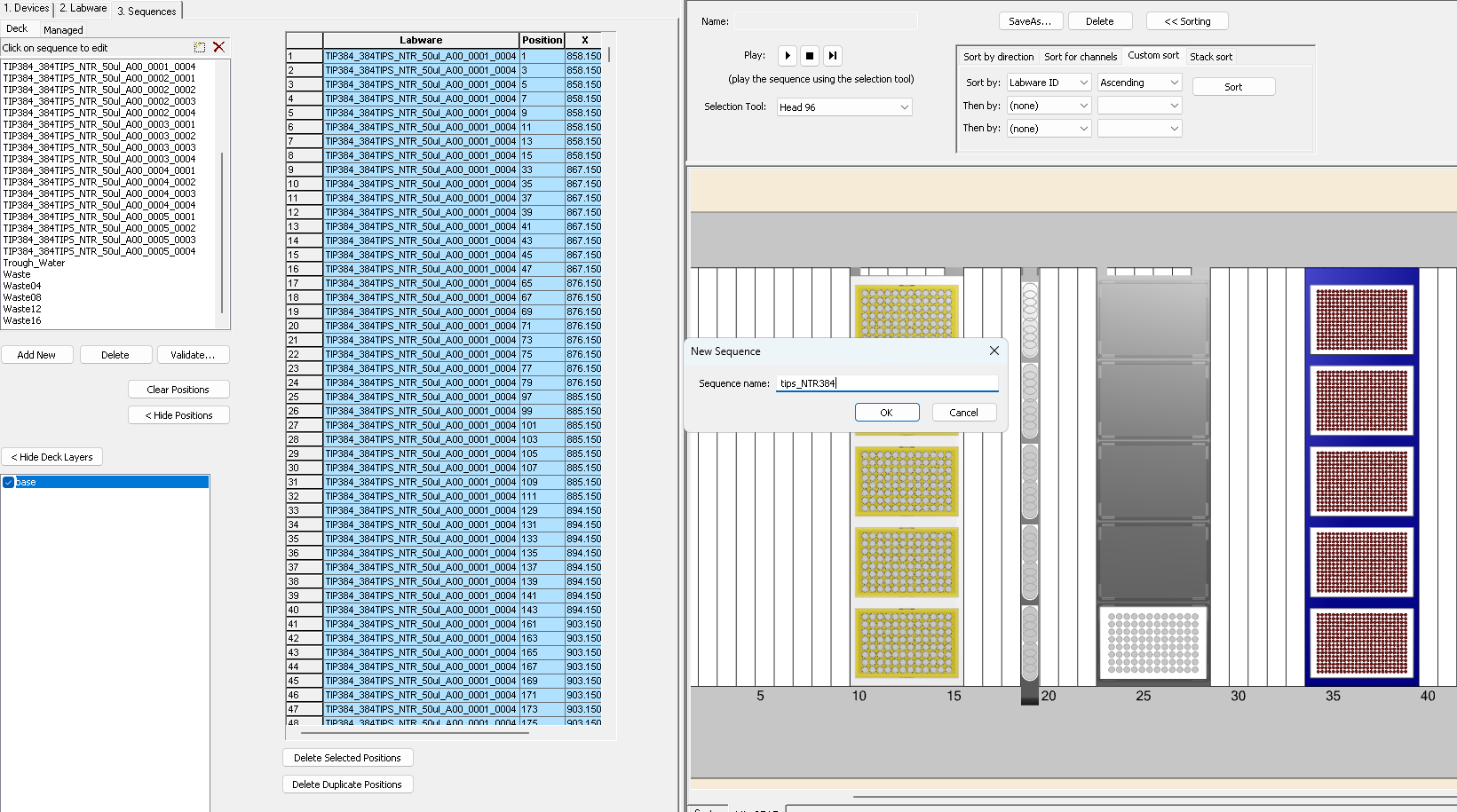
Then lasso’d around the carrier with all the racks:
Entered the name for the sequence and you can see the labware and positions that were selected:
From there I was able to use the sort function.
I’m running 6.3.2, but this approach should be applicable to all versions.
1 Like