I am trying to import a method from my laptop to the lab-pc connected to the robot.
The Venus-version on the laptop-pc is newer, and I have had some HSLPTLLib Problems previously when importing other methods from the laptop on to the lab-pc.
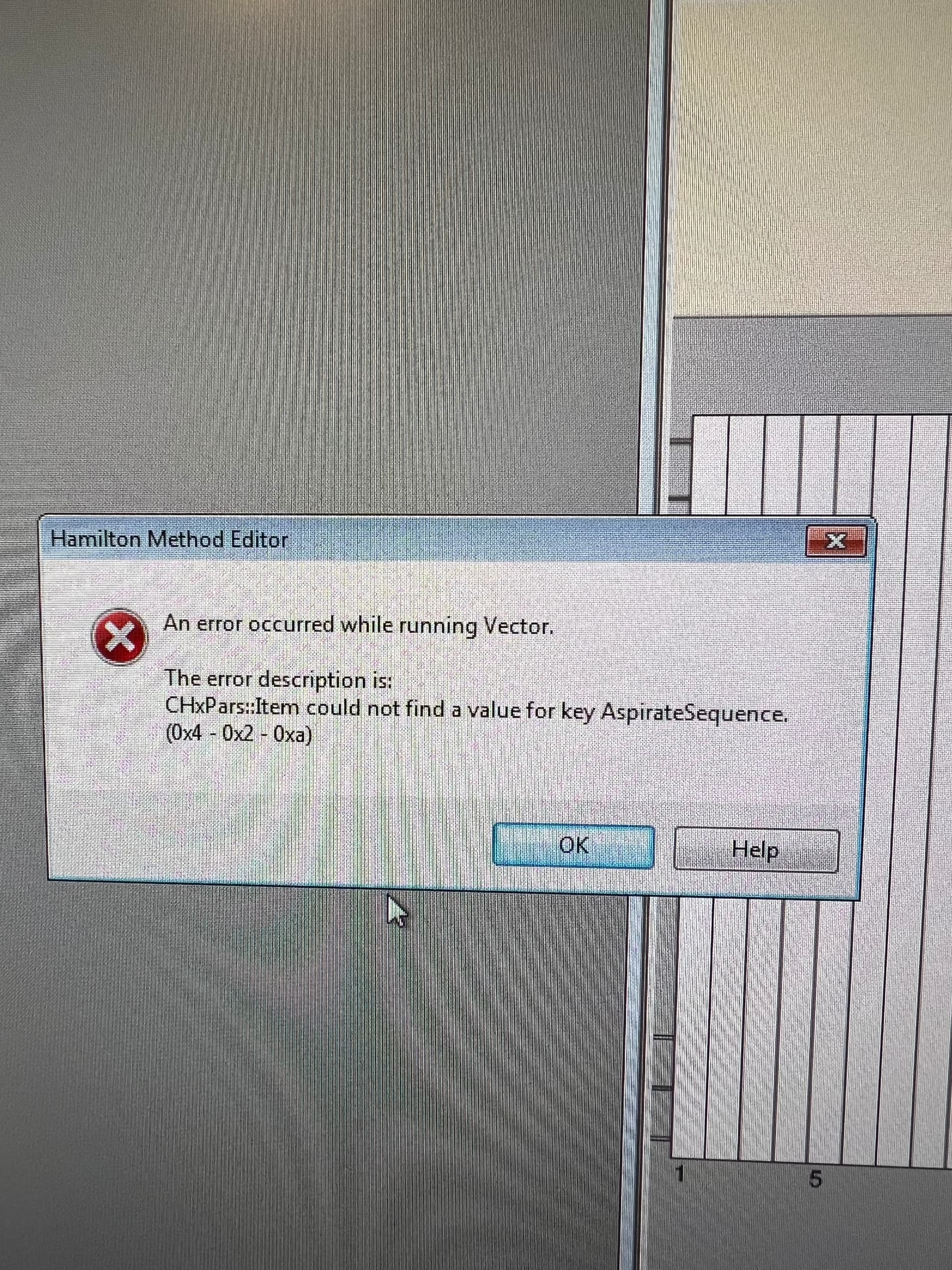
Can’t get it to work this time, and this is the Error:
Has anyone encountered something similar previously?
I suspect the HSLPTLLib, and After trying different versions of the Library I still can’t figure this one out.
RESOLVED:
So I got it working on out newest Star robot (getting the HSLPTLLib Right and not affecting the other methods, since I have read here that not all of the Library versions are backwards compatible). This robot has the newest VENUS Version in the lab as well, but still older than the one on my laptop.
From there I thought: OK now I can Get it on the other one by exporting from this VENUS Version instead.
On the robot with the oldest Venus I now could see the method After Import so I was happy.
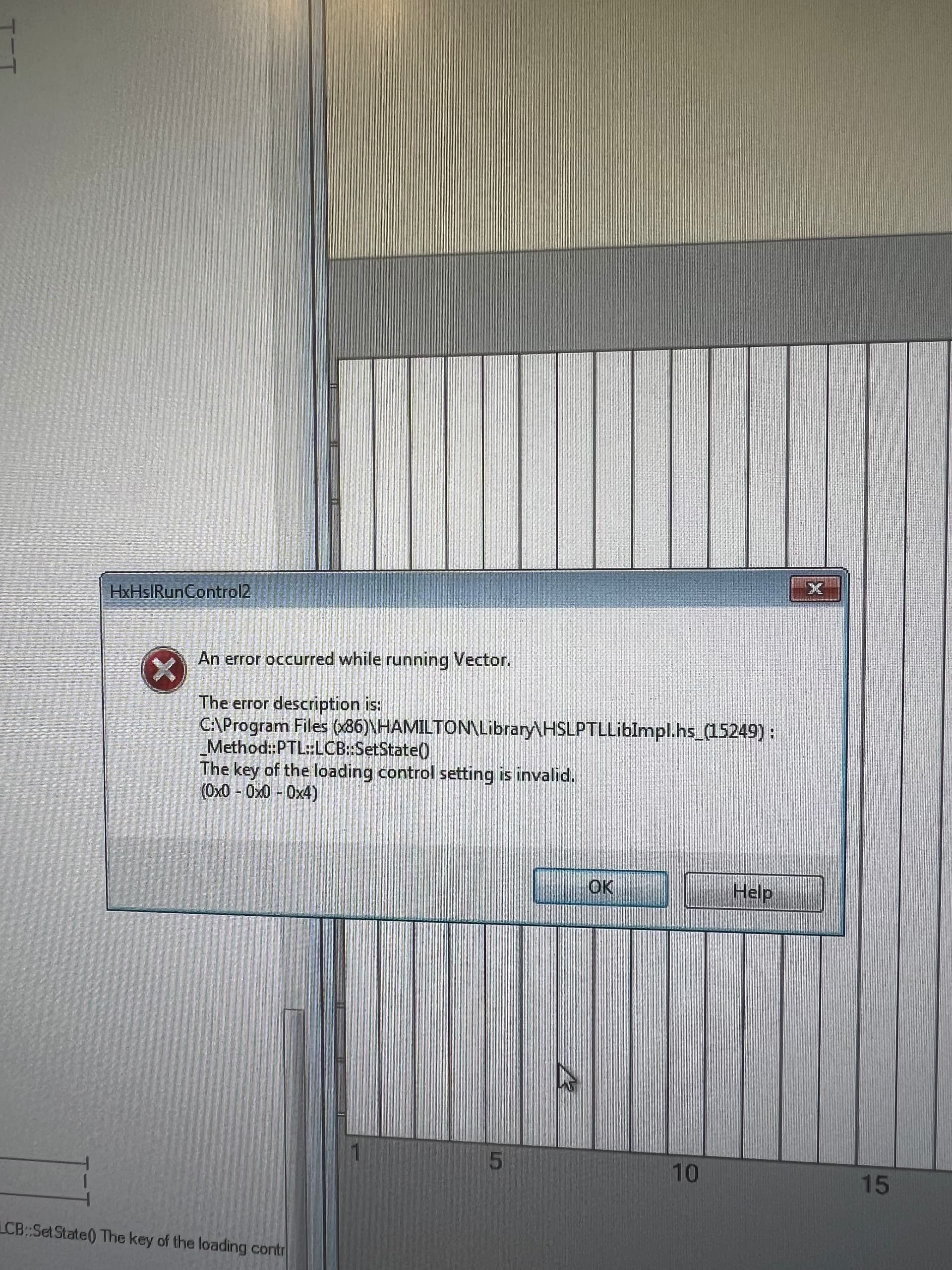
However, that changed quickly when I received this Error:
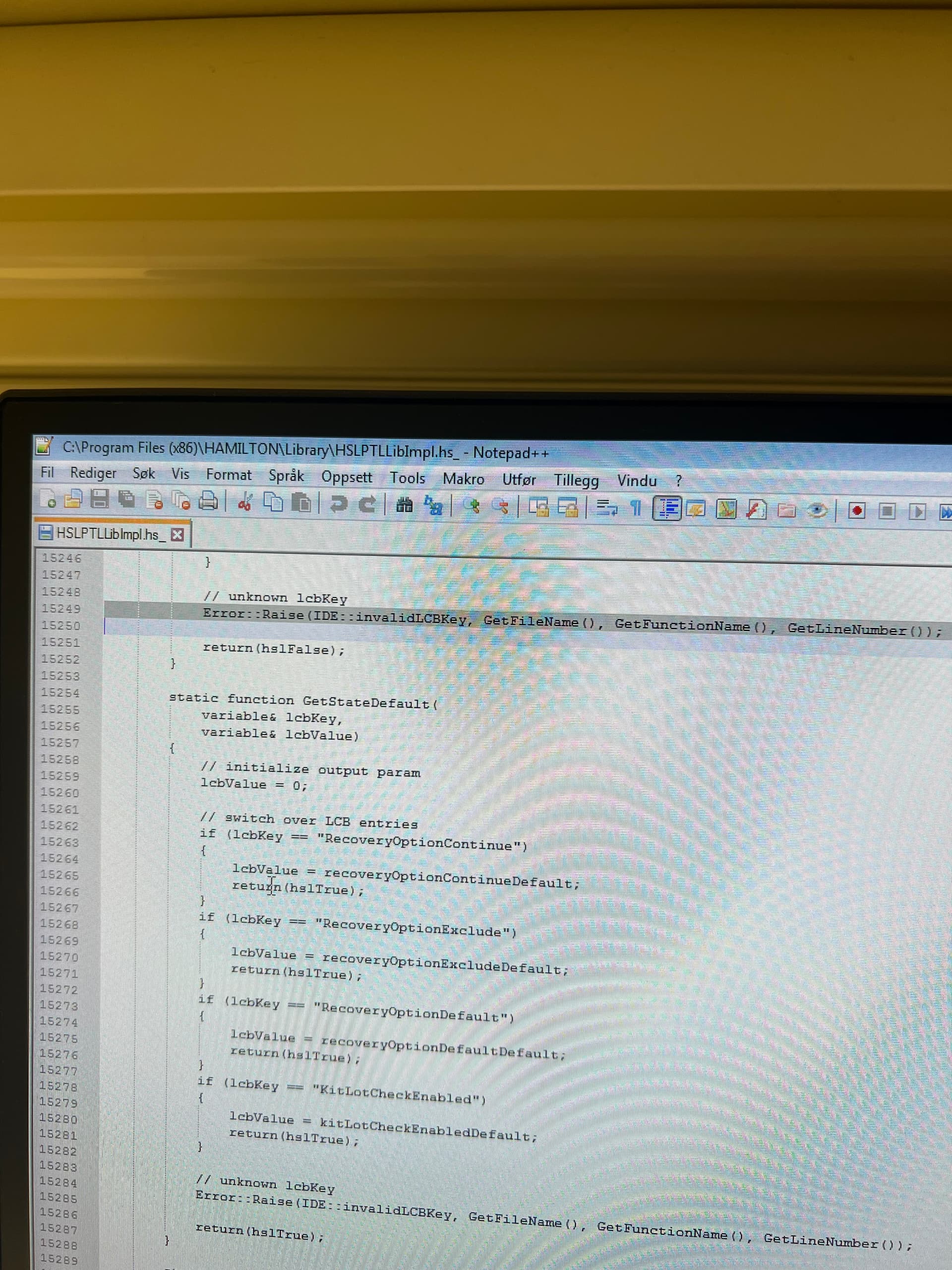
Tried different versions of this Lib as well, then the Error got Even Worse because it was now a Syntax Error. So I though well, then let’s Check out what this line says. So I opened the Lib and went to the line:
Looked in the help file as well, but I couldnt figure it out.
Since I have heard people Write that the undeclared identifier Error is somehow Linked with the HSLPTLLib and the Smart Steps (Pipette 3, and so on).
I then EXCHANGED THE SMART STEPS in the Editor. Meaning I just grabbed the built in Smart Step and put it instead of the smart step from the importer method.
Felt so Great that it worked, but I hope you guys avoid using two days on this by Reading this post instead!
Hey, I’m having this same error when importing a method from Venus 4.5 to Venus 4.3.
Can you clarify how you resolved this by exchanging the smart steps in the editor? I’m not sure what that means since the AspirateSequence error window prevents the method itself from being edited.
Hmm, how did you replace the smart steps in method editor? I see a checkbox to disable/enable smartsteps in method editor, but you cannot add/remove this library like you can with HSLMthLib, for example.
Thanks for your help, sorry I’m not understanding this step fully.
Replacing the concrete smart step with single Steps.
Meaning instead of using smart step aspirate/Dispense you should rather use the single Steps (tip Pick up, aspirate, Dispense, tip eject).
Thank you. This is what I had to end up doing to resolve the error. Unfortunately, there were 8 different instances of the smart steps in the method, but all works for now. Appreciate the replies here.