Hey everyone,
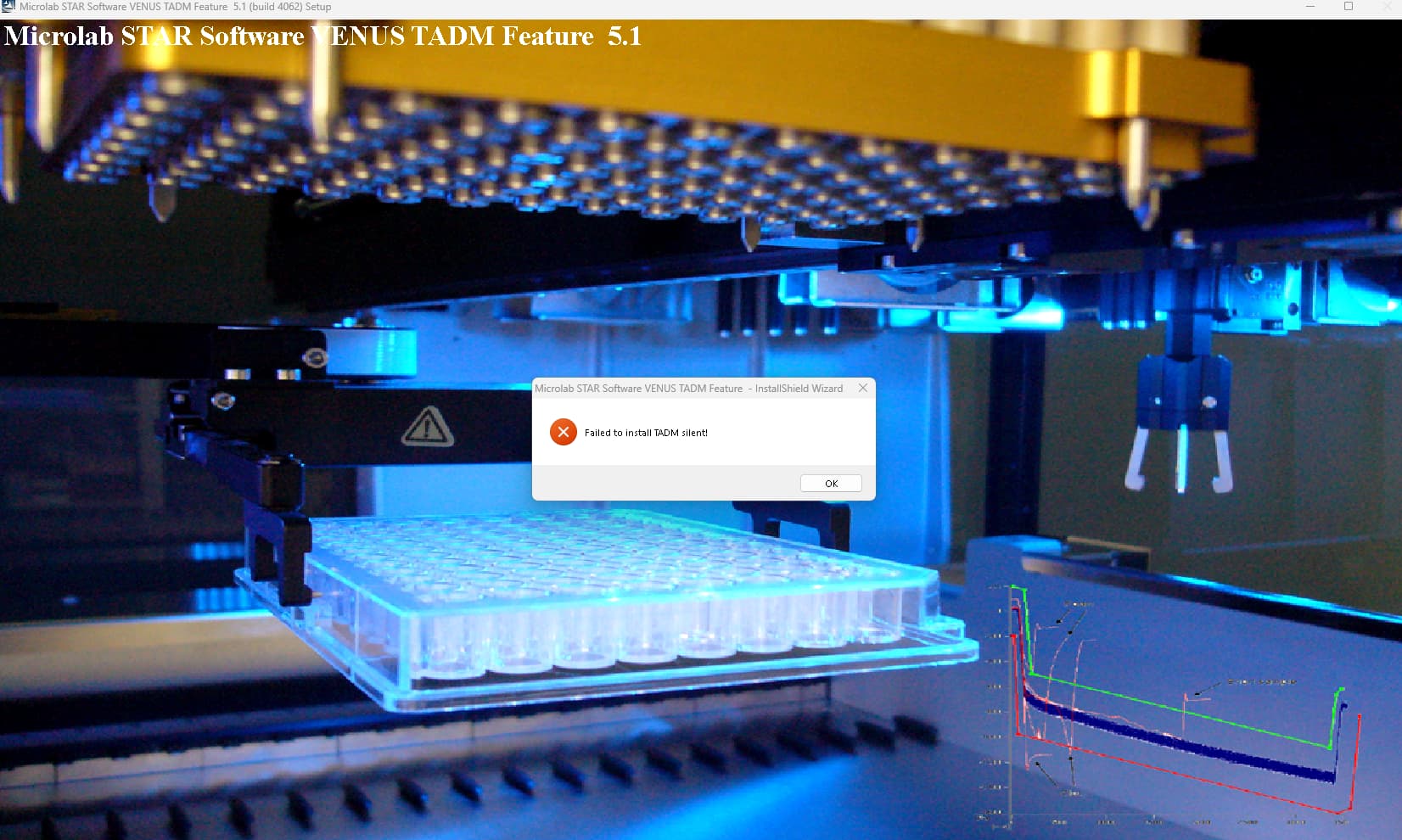
One of our STARlet computers was just refreshed and is now running Win11 and Venus 6 and I’m running into this install error when trying to install TADM feature 5.1 - 4.2.0.4062. It appears to go through the full install just fine, then upon hitting finish I’m getting this error message. This is the first time we’ve tried to install TADM on either Win11 or V6 so I’m not sure if it’s potentially incompatibility issue. It “works” on my computer, albeit I only run things in sim on my computer and have never hooked up to an instrument, and I moved from V4 to V6 after TADM was already installed. But I’m able to manipulate curves anyway. Hope someone has some insight.
TADM is included with VENUS 6 and up by default so no additional installer needs to be run.
1 Like
@EricSindelar_Hamilton
Ah that was definitely new news to me. Is the TADM data stored somewhere other than liquid editor now? I’m still unable to view it there, monitoring is turned on in system configuration and it’s also turned on in STAR service.
Thank you!
You may have to reinstall VENUS then on a clean setup or at least rename Hamilton\Config folder before reinstalling VENUS 6. Somehow it didn’t get activated.
Which version of VENUS 6 are you using?
@EricSindelar_Hamilton
We’re on v6.2.2.4006. This is a fresh install on a new computer, although our instrument department did the install and they may have backed up and transferred some configuration files, I’d have to try and confirm that. Everything else functions fine so I presume we wouldn’t want to rename the Config folder?
I meant to rename the current Config folder prior to the reinstall so that it gets set up properly. I checked internally and in instances where this happened with 6.2, a reinstall corrected it.
@EricSindelar_Hamilton
A fresh install didn’t appear to work. Interestingly enough I did sort of force the separate TADM to install. I was just poking around troubleshooting, and I ran the install and let it finish, then killed the program via task manager before the error message showed. This appears to install it somewhat and the TADM column in liquid editor returns. Monitoring and editing the curves appears to work perfectly.
1 Like
Glad it’s working now! Thanks for the follow up!