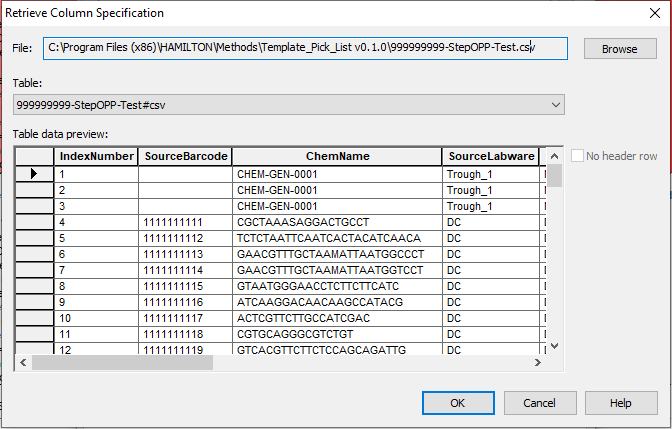
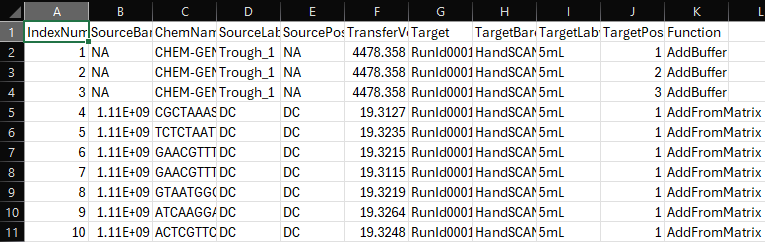
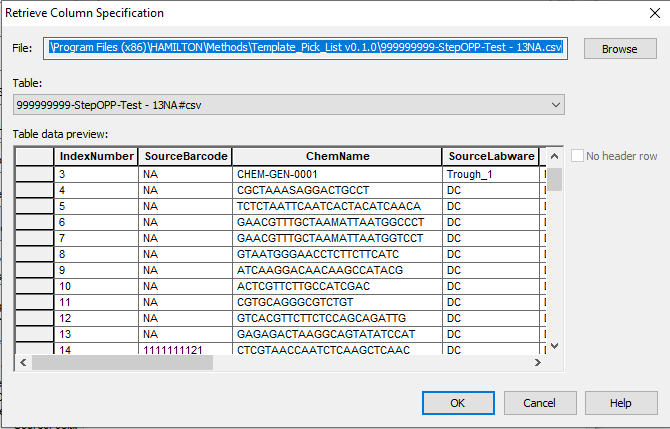
I’m reading in a .csv with File:Open and the column SourceBarcode contains both strings and integers. I’ve set the File:Open to read this column in as a string but when I retrieve column specification for the .csv, it seems to not read in the “NA” string and only read the numerical values. Does anyone know why this happens?
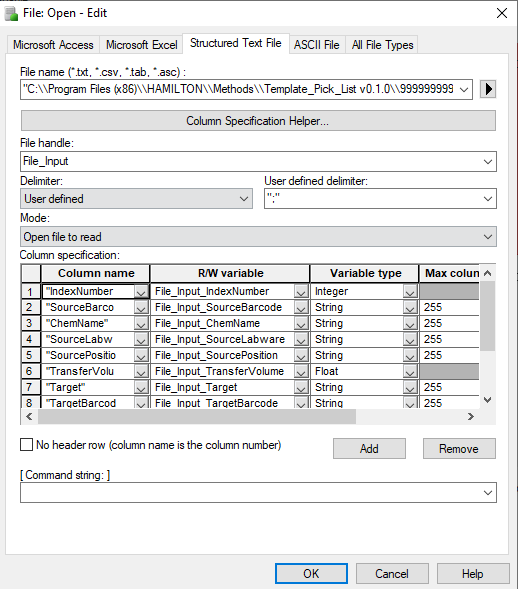
Here is how my File:Open is set up. I updated this to use a comma delimiter after I notice it was set to a “;” but that didn’t seem to change anything.
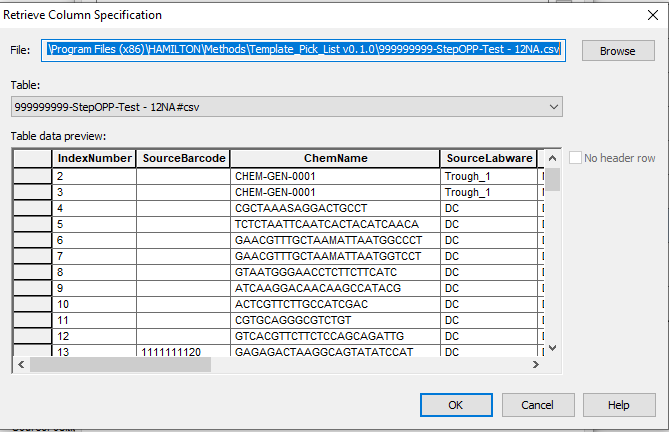
I think this issue has to do with the number of “NA” strings before we reach the cells with serial numbers (int). Through the process of elimination I have found that having <= 12 “NA” prior to a serial number in the csv will result in the File:Open seeing the NA as blank or null, but if I have 13 “NA” prior to a serial number, then File:Open works as expected and reports both the “NA” and serial number in the retrieve column specification. Seems really odd.
Thank you, setting it to append did fix the issue, although I would prefer it not try to guess the type by default. I will look into changing the registry and if that is something I can implement in the future.