Does anyone have a method example using the above command from the Star Pipetting Tool Library?
I currently have this after command after an aspiration step but I am pretty sure that I am missing something. I have Venus 6.
1 Like
Hi @Madclem1 ,
The demo method that imports with the library has an example:
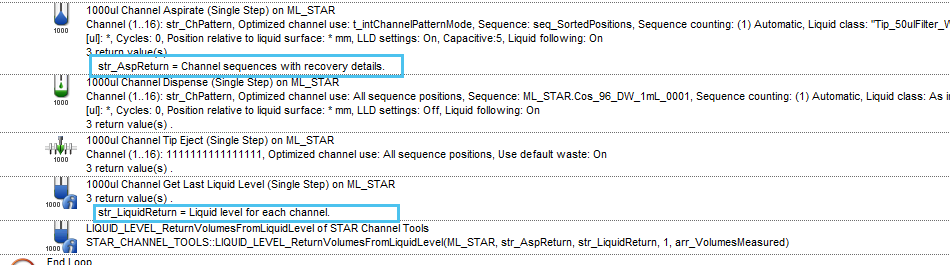
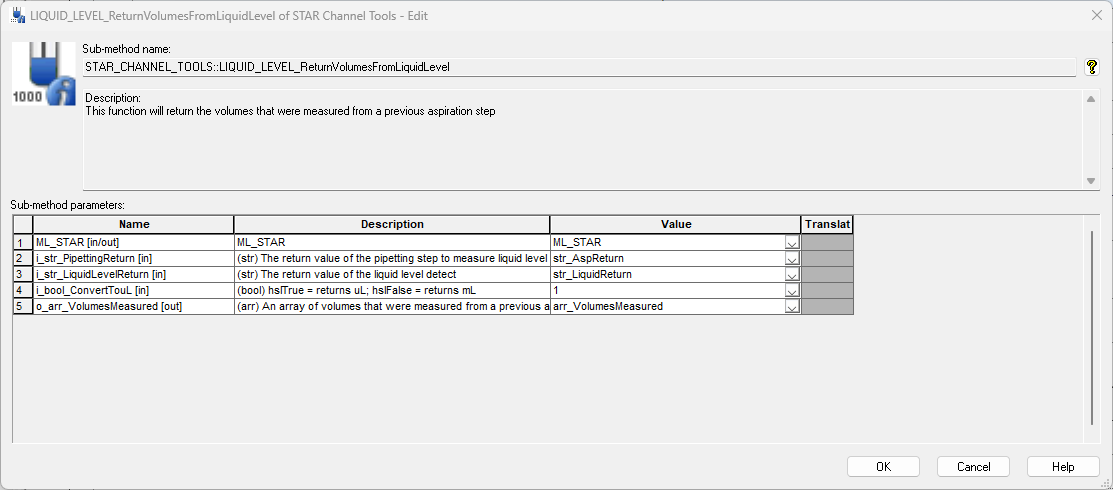
You are probably missing the Channel Get Last Liquid Level (Single Step) return value that is used.
Note: Make sure you call the Channel Get Last Liquid Level (Single Step) after the command that used cLLD that you want to get the results from. The STAR Tools function can be called later using the variable that is generated.
1 Like
Thank you…I have generated and registered information to lookup height values for the labware I want to get volumes from. How do I translate the heights that I get back to heights that can be used by the lookup library?
Hi @Madclem1 ,
If you registered the heights and volumes using the VolumeLookupTool library, then you can use the LIQUID_LEVEL_ReturnVolumesFromLiquidLevel function to get the calculated volumes back.
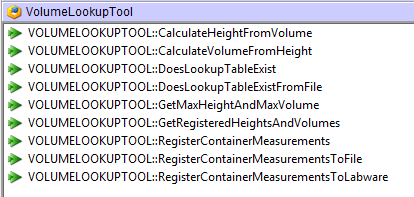
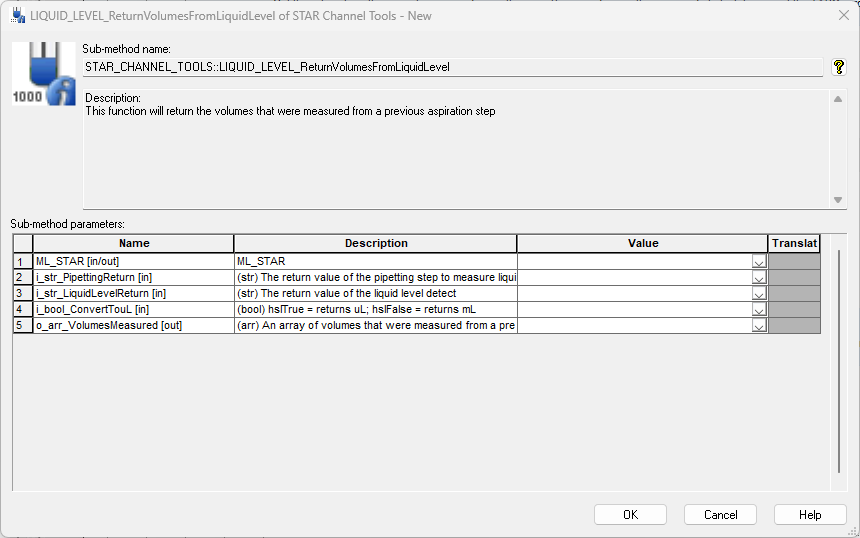
This function will use VENUS’s standard functions to calculate a volume from a height unless it sees the registered lookup table in the container of the labware. If it sees this table, it will calculate/extrapolate the volume from the table.
1 Like
Ha..I thought I would need to continue to use the Volumelookuptool::CalculateVolumefromHeight.
Thank you again.
1 Like
Hopefully, one final question…
I want to output these volumes with their source sequence information, is there a way to add to a mapping file or do I need a separate way to export the generated volumes?
Hi @Madclem1 ,
The easiest approach would be to write your own mapping file using the step returns and the array volumes that recovered from STAR Tools, but you could also use HSLLabwareStateLib::SetLabwareVolume command to set the calculated volume to the wells (you will need to progress the sequence as you set the volumes).
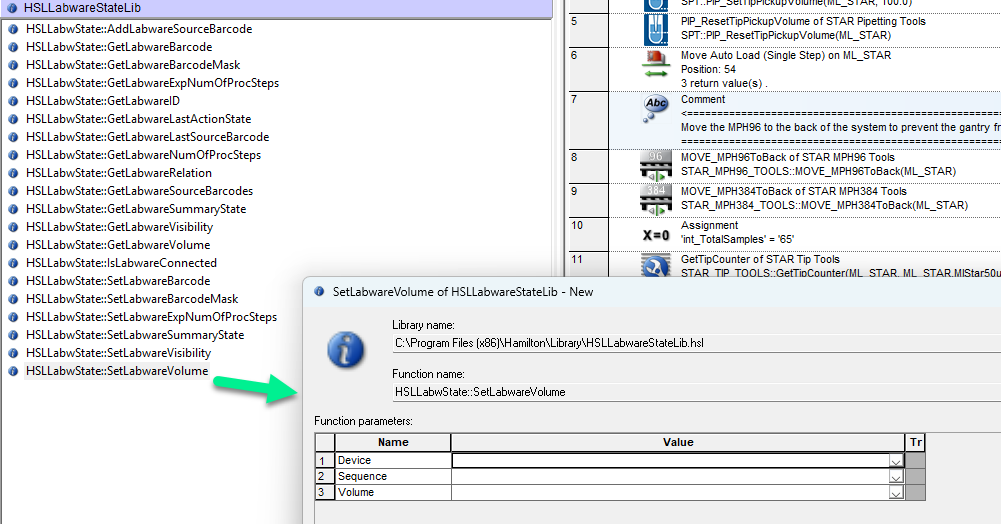
This sets the volume to the well in sample tracking which would allow you to make a mapping file for that particular sequence.