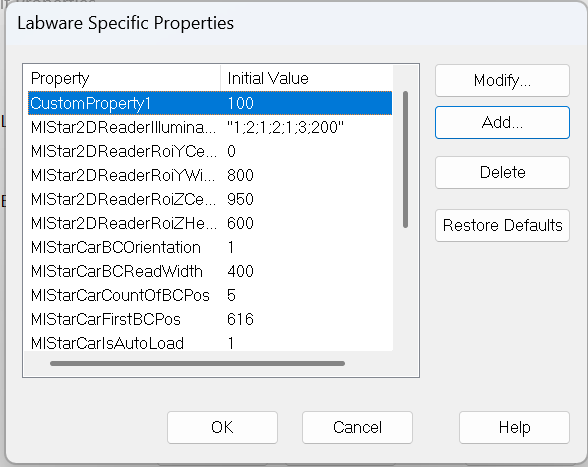
Hello! I am trying to create in the layout and then read a Labware Specific Properties during the run. For example, CustomProperty1.
I am using LPQ::LABWARE_GetCarrierAndSiteID to get the carrier name and then HSLLabwrAccess::ValueForKeyGetForPropertiesOfLabwareID to read the property value, but it only works for plate carriers, and not for tube carriers. For tube carrier, it reports “default“ as the carrier name. Is there a trick here? Thanks!
Hello @Oleksii
Sample tube carrier racks need to be handled differently than plates snapped to the site of a carrier for your approach to work.
Because sample carriers are .rck files and have their properties defined directly on the rack level, you can simply use the labware Id of the sample carrier .rck to access its property collection via the labware access library.
When sample carries snap to a deck layout, the ‘carrier’ in its sample tracking relationship to a parent site is the deck layout template used as the default starting point of any deck layout for your install, and is hardcoded to have its labware Id as ‘default’ as you have observed.
Thanks.
-Nick
1 Like
I think I figured it out! Sort of.. Another function, HSLLabwState::GetLabwareID, can return the carrier name for tubes. As I understand it, the levels of labware and templates are different between plates and tubes, so need different functions.