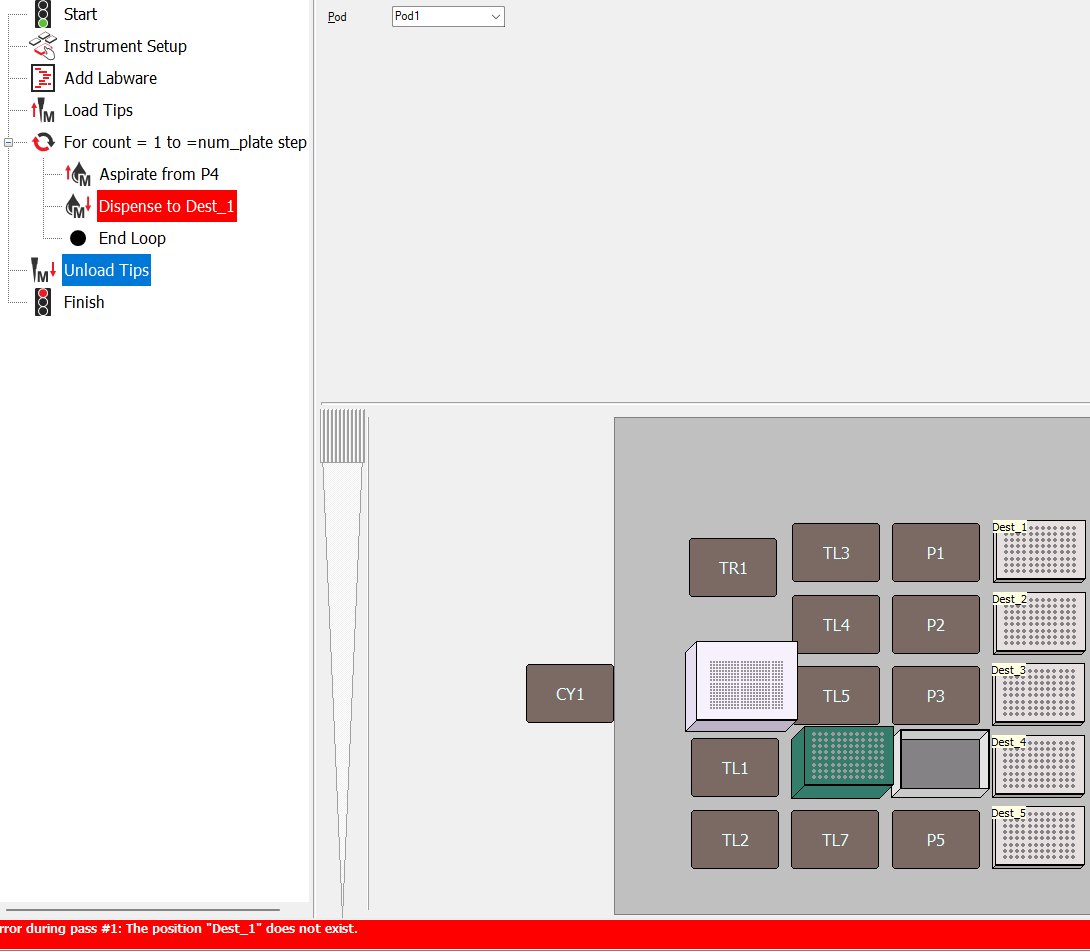
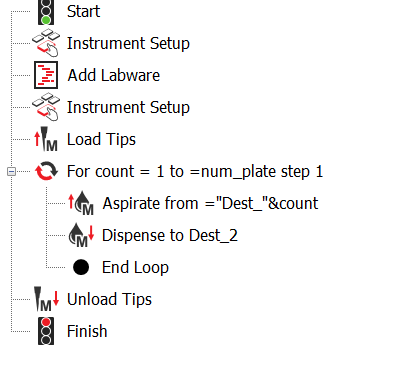
I am trying to write a method that create labware on the fly with Scripts.
In summary I have two questions:
- Can we call the labware by the labware name in a dispense step? I got the “does not exist” error.
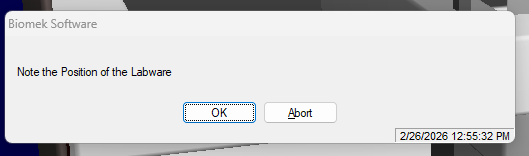
- How to skip the pop-up warning or allow user to confirm deck after “add labware” script?
More details here:
Here’s my code in JScript:
var PC = World.Globals.PropertyChanger;
var PG = World.Globals.PauseGenerator;
function addLabware() {
var labware_name = “BCFlat96”;
var pos = 0
for (var i = 0; i < num_plate; i++) {
pos = i+6
Positions(“P”+pos).AddNewLabware(labware_name, World);
Positions(“P”+pos).Labware.SetProperty(LeftPod, “Name”, “Dest_”+(i+1));
}
}
addLabware()
It worked and added the plates to the deck but when I try to call it in an dispense step, it says "The position “Dest_1” does not exist.
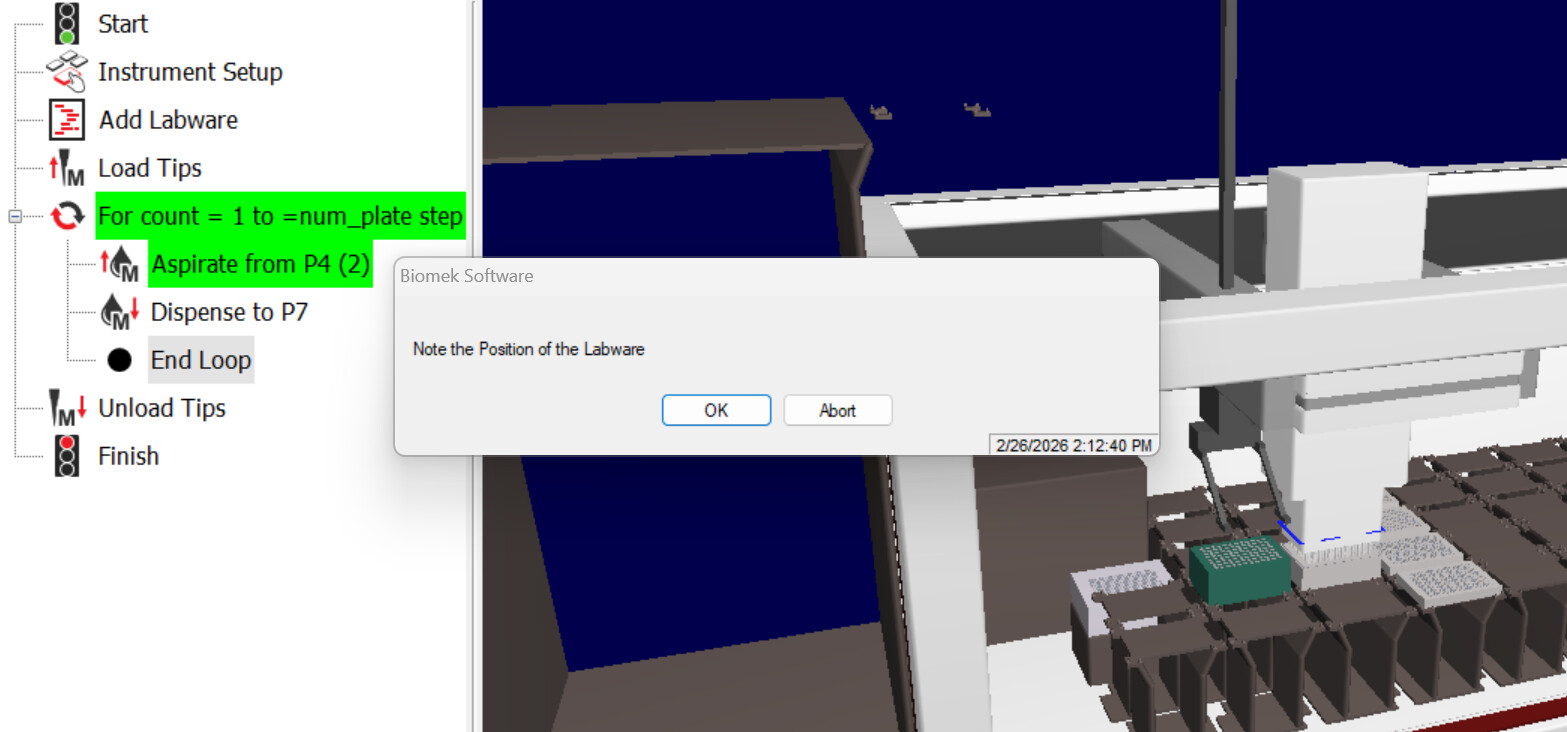
When I changed the position to “P7”, it will simulate, but every time it tries to use that labware, a pop-up window appears asking me to confirm labware.
Is there a way to skip this pop up or is there a way to ask user to confirm the deck layout after creating the plates in the script?
Any example of creating labware using scripts is appreciated! Thank you!
1 Like
This could possibly be something to do with the simulation - have you tried adding a pg.StallUntilETSIs 0 to prevent the system from pre-checking the script before running?
Otherwise, you could need some conditionals for the labware to check if they exist before using them.
For pipetting to named labware, I believe you’ll need Labware.DeckPosition(Labware name string) to return something like P7 rather than the labware name string.
1 Like
I tried the pg.StallUntilETSIs 0, it doesn’t seem to work…
Labware.DeckPosition(“Dest_2”) also return the “Dest_2” does not exist error, but I can get by it by calling it P7 - maybe the name is not recorded? but it does show up on the deck.
I may try on an actual machine soon, but on simulation, it seems to know that the plate wasn’t there during “instrument setup” and keep asking me to confirm the labware is there.
1 Like
For pipetting to the labware what I meant was the following
In your script or wherever create a variable for the labware position and point to that variable in your method
pos_plate = Labware.DeckPosition("Dest_1")
Then your pipetting command would use =pos_plate in the position field.
The error message is throwing me off - that almost looks like a non-biomek error. I’d expect their errors to have a bunch of gibberish and maybe the entire contents of your JScript overflowing out of the prompt.
I have a method that uses dynamic tip box placement - so maybe not exactly similar - but it looks just like how you wrote your commands.
posDeck = "TL1"
Positions(PosDeck).AddNewLabware "BC190F", World
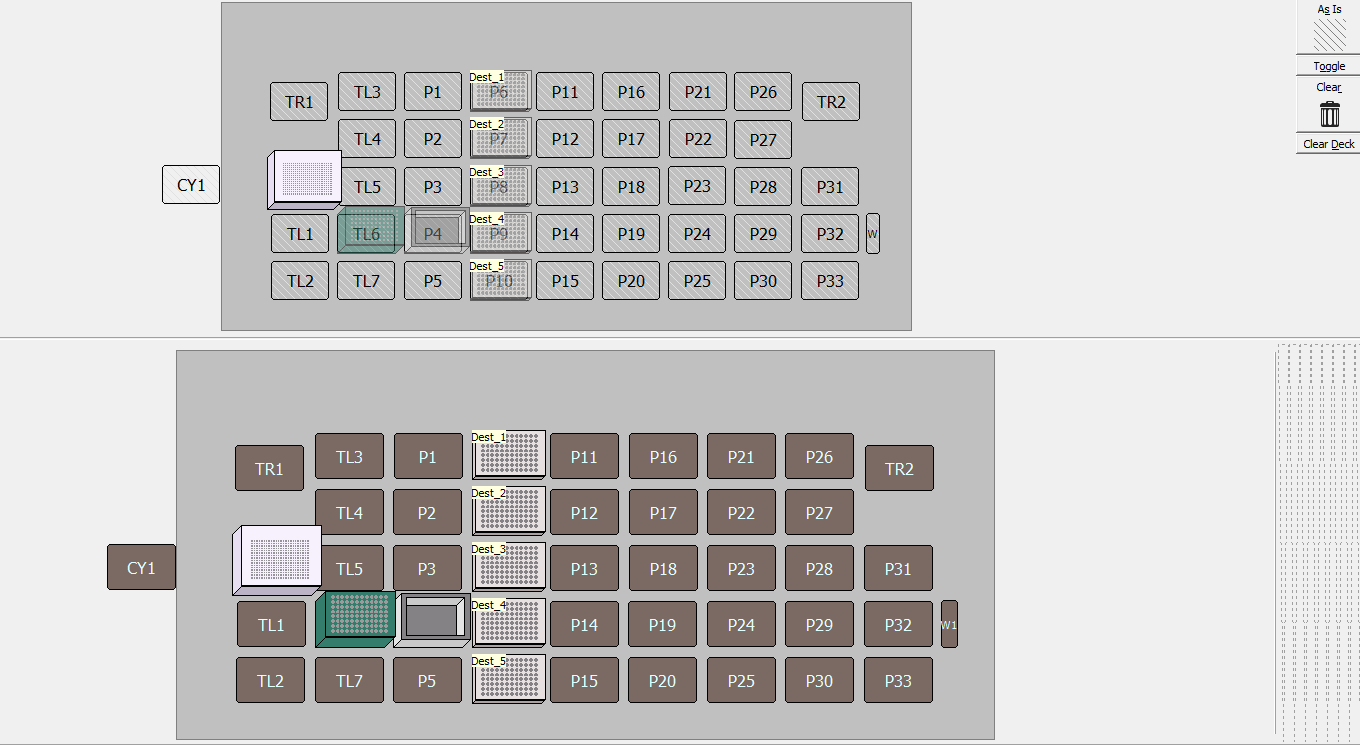
Would you mind sharing your InstrumentSetup step? It might be as simple as having to mark the plate position “As Is” in that command.
Thank you for the help - i think I figured it out!
You are right, the message is not from Biomek. I’m using someone else’s testing liquid class - the pop-up window is from their pipetting template 
And I was able to add another “Instrument Setup” after my script to confirm the deck. It is a simple thing - click the “Toggle” on the right side… This also clears the “Dest” does not exist error, so the script seems to be working and I’ll keep testing it!
The method is something like:
2 Likes