I was wondering if there is a way to update a variable in a method with the 1ml pipette channel count i.e. if there are 4x1ml channel pipettes installed on the robot then update the variable with 4.
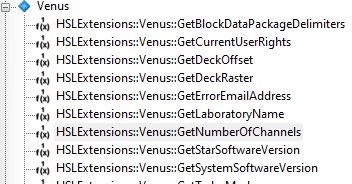
I experimented a bit with the “HSLDevLib” library and “DevGetCfgValueWithKey” but didn’t get it to work.
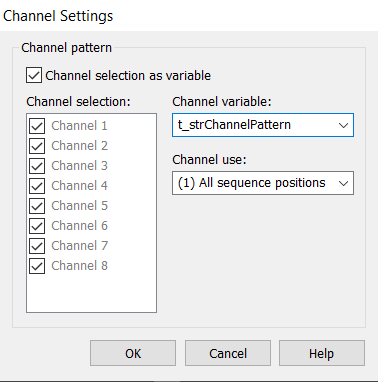
An approach involves using the Channel pattern. A channel variable is represented as a string, such as “11100111”. If you need to deactivate specific channels, perhaps because they are not installed or are currently broken, you simply set the corresponding character to “0”.
Thank you for your message. I am more interested in pulling the number of pipettes from the system’s configuration (or something similar) first and the do something like this with the variable that has been retrieved.
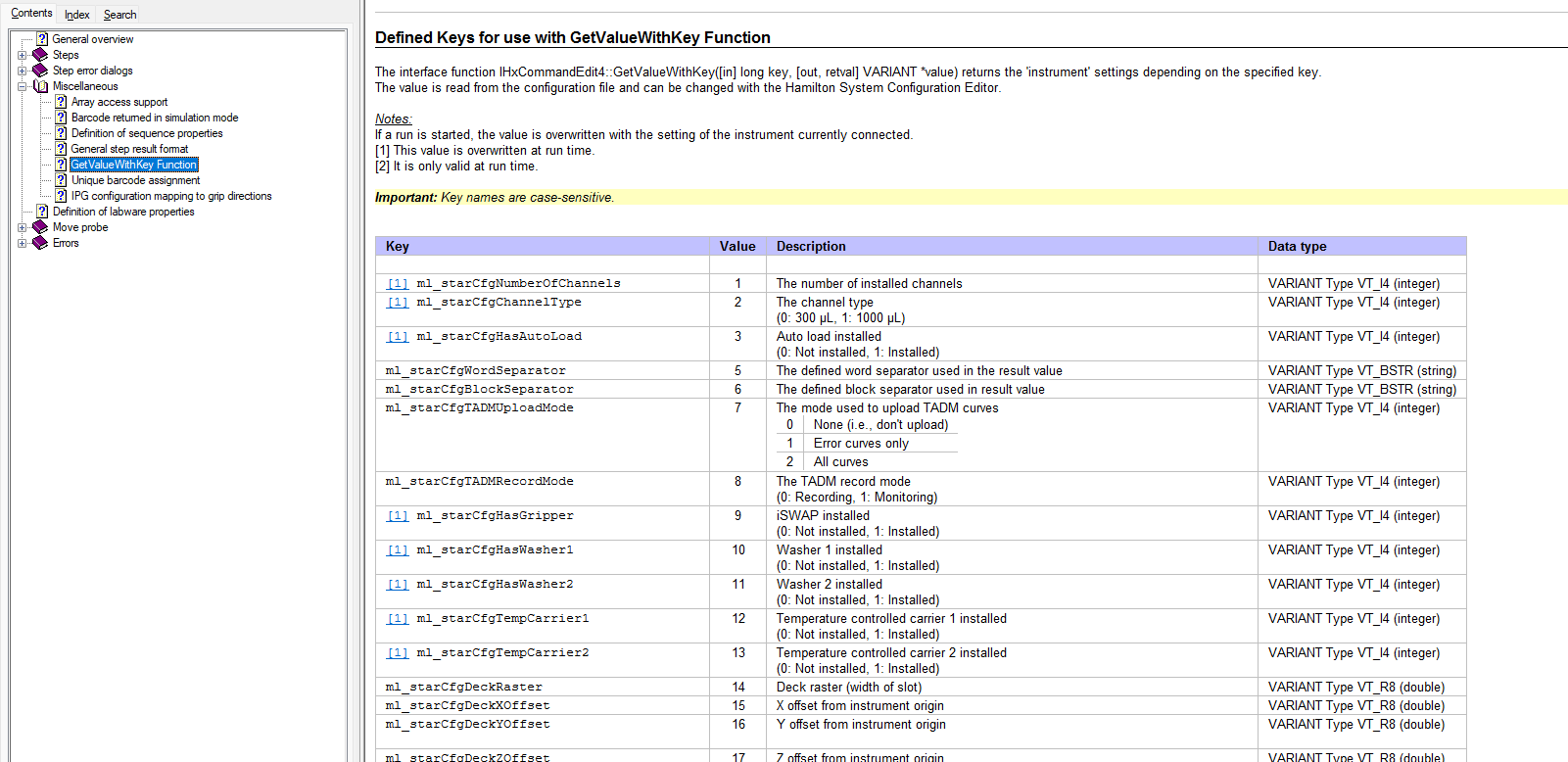
You can also use the HSLDevLib::DevGetCfgValueWithKey function to get this value. The key 1 will return the number of 1mL channels that are set in the system config editor.
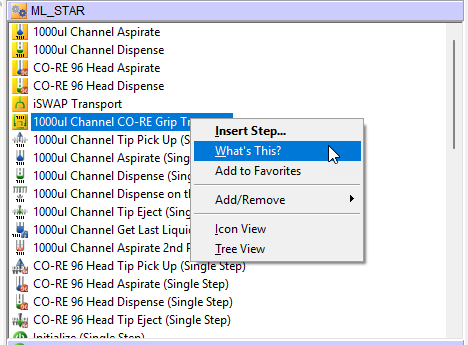
There is a Help file you can reference by using the following steps to short cut to it:
Right click on any Gold step under ML_STAR and select What’s This?:
Hi @BrandonBare_Hamilton , I was hoping to use the ml-starCfgChannelType value to do a check if a system has a 5mL channel arm. I got it to run, but it returns “1”, for the 1mL channel, and I assume it is because the 1mL channels are on the first (left) arm and the 5mL channels are on the second (right) arm. Is there a way to check if a system has the 5mL channel arm?
Edit: Found the solution: Key 43 returns the number of XL channels, also works for the Vantage (returns 8) even though the documentation claims that it does not work on Vantage. Thanks!