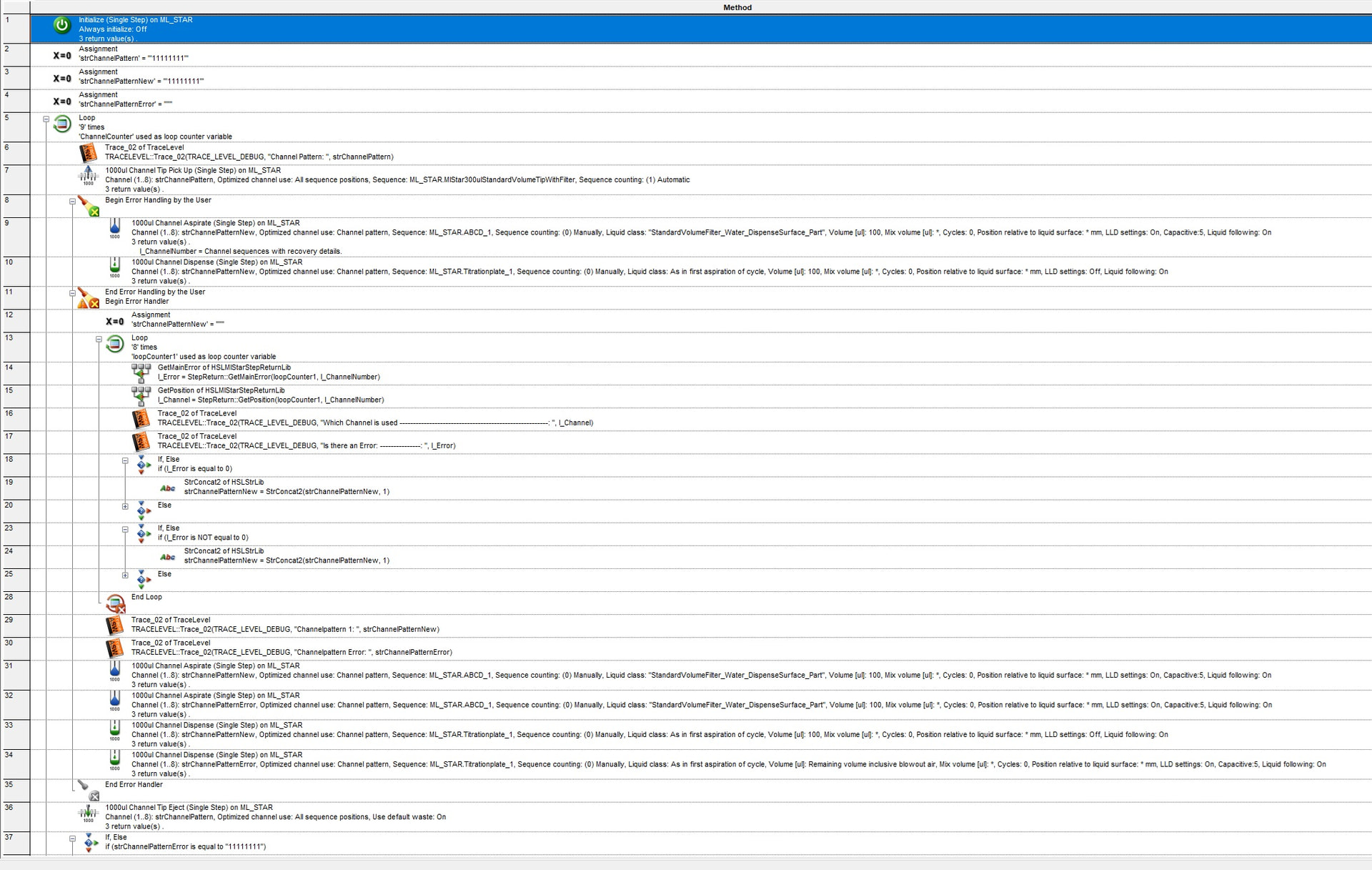
I have a small problem, I need to do a custom Error Handling, when there is not enough liquid in Well. Until now I just did a automatic Error handling, where I said, if not enough liquid, just use available and if there is no liquid, then exclude the channel. The problem is now, we do not want the exclude anymore, since we need one more dispense step, to measure the volume in the Well. I wrote a dummy methode, where it should create a new Channel Pattern, depending on which channel had an error or not. If I run this methode, I always get a StepReturn Error that the Parameters are not correct.
Now I wanted to ask, does anybody know, how I either could fix this problem, or another way to create a new Channel Pattern that excludes the channel that had an error.
Thank you!
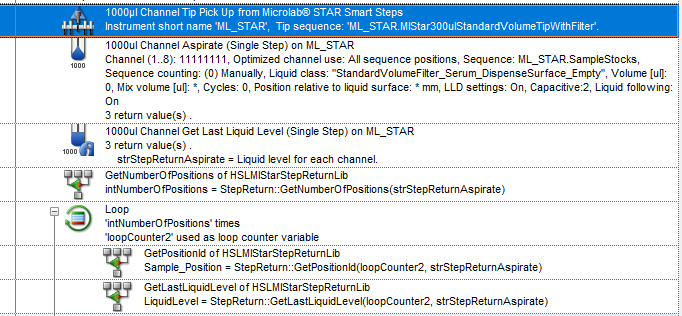
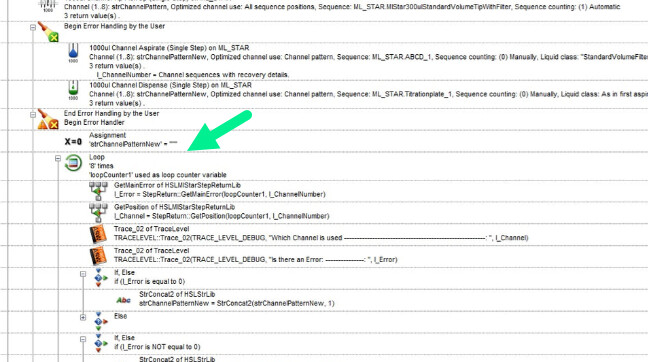
You need the GetPositionFromNum Step rather than GetPosition. If you encpunter an error, the erroneous positions are moved to the front of the step return, therefore position 1 will no longer be channel 1. If you use GetPoditionFromNum and feedback it the loop counter variable, it will return the position of channel number 1, 2, etc. regardless of whether they are on positions 1, 2, etc. in the step return.
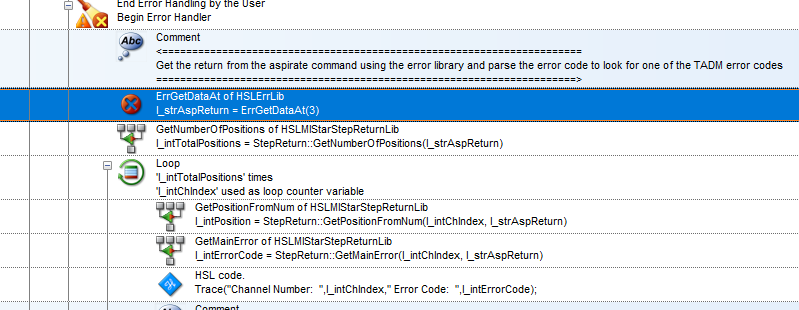
Assuming you are using cancel automatic error handling to trigger the Error Handling by the user, you need to add the ErrGetDataAt function from the HSLErrLib to populate the l_ChannelNumber variable. The step return does not get populated if the step uses a cancel as the recovery.