I would like to use the simple report function to export some run conditions in an easy-to-read format: script, user, plate count, etc. This data is in the log/audit files, but this is a little simpler for users and managers to parse.
This is working but I would ideally like to create a .pdf export rather than .txt. Does anyone have experience with this?
I don’t think PDFs are plain text files, so you’d need some libraries to create PDFs on the fly. I’m not exactly sure what that would take, but it doesn’t sounds too simple.
The other option would be to print the TXT file to a PDF (instead of physically printing). Perhaps there is a way to show a button on your TouchTools that runs a script to “Export and Print” your desired information. The user would then be responsible for selecting PDF instead of a physical printer, but maybe…
Thats amazing! Thanks a lot! Just tried to implement this.
But FluentControl struggles with handling data into arrays. In the moment I use an individual variable for each checkbox it works fine. Otherwise the input is complety ignored.
Anyone got an idea about that…?
I’m still working with v2.4.25.51907
if you pre-define an array in the script with actual script lines, the xaml file can then update the individual fields with status,
i’ve used this a lot to allow scripts to have multiple functions - designated by the user via the touchscreen
I did pre-define the array within the script. But the pre-defined values won’t show up in the TouchTool view.
Yeah, I figured this out a while ago. I’ve planned an update during the next maintenance period. Our FSE told me that this should be possible during his next visit.
I finally think my issue is linked to the old FC version.
Dug out a revision history and found something that points in this direction.
In case anyone else experiences something like that get this as reference:
104659 / TouchTools ‘variable’ command does not allow to input values for array variables
105392 / GetFile and SelectWells TouchTools commands cannot write to array variables
Took some time, but now I’m able to work with FC 3.7 on our system. So I could get back to this.
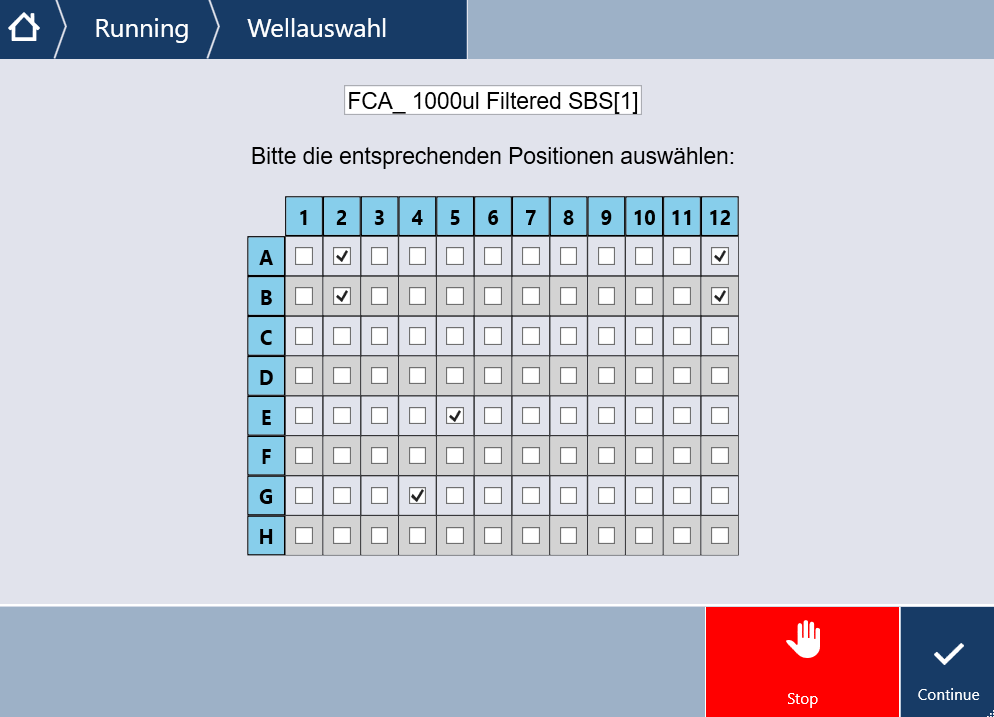
Thanks to all of your comments and shared examples, I was able to understand the XAML syntax and was able to create a first touch panel dialog to select wells/positions and e. g. manipulate DiTi positions during runtime.
To show the name of related labware I managed to display it as a non editable TextBox. Seems that supported XAML elements are limited.
Could anyone share experiences or a list with supported elements (besides checkboxes and textboxes) to transfer data from/to FC?
Now I’m interested to see what else is possible.
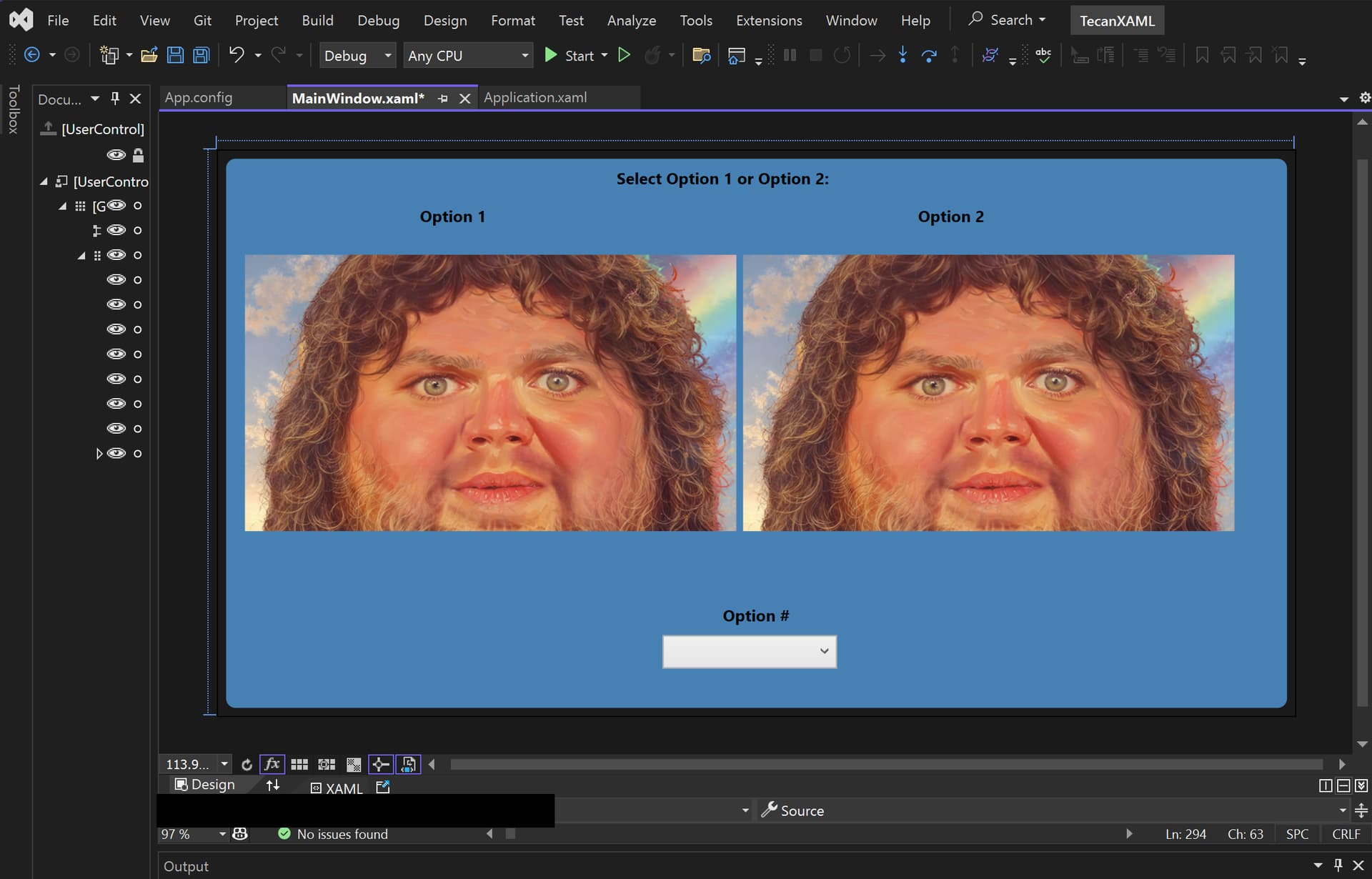
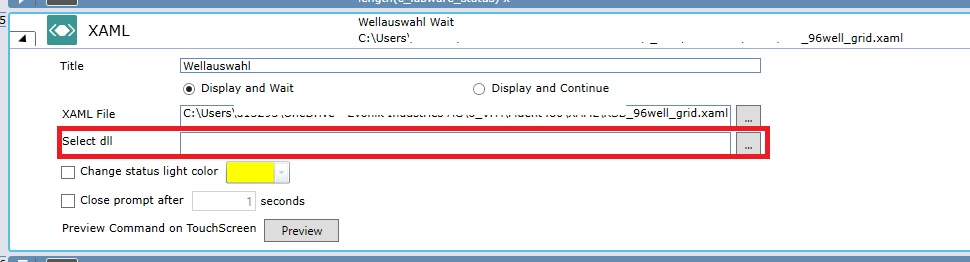
First wish is to have a way to select multiple checkboxes with a kind of master checkbox. I’ve experimented a bit but did not get far. I guess I would need a DLL which is selected together with the XAML file to provide the necessary code. But how to set this up? Can’t find any documentation about that…
I considered the hint to VisualStudio. But as I have no eperience there and even did not get the SW myself this becomes more complicated. - A colleague of mine offered to help out with his VS installation, but he’s not familiar with this specific topic.
Is there any chance someone could share some more insights to point us in the right direction? That would be really nice and helpful!