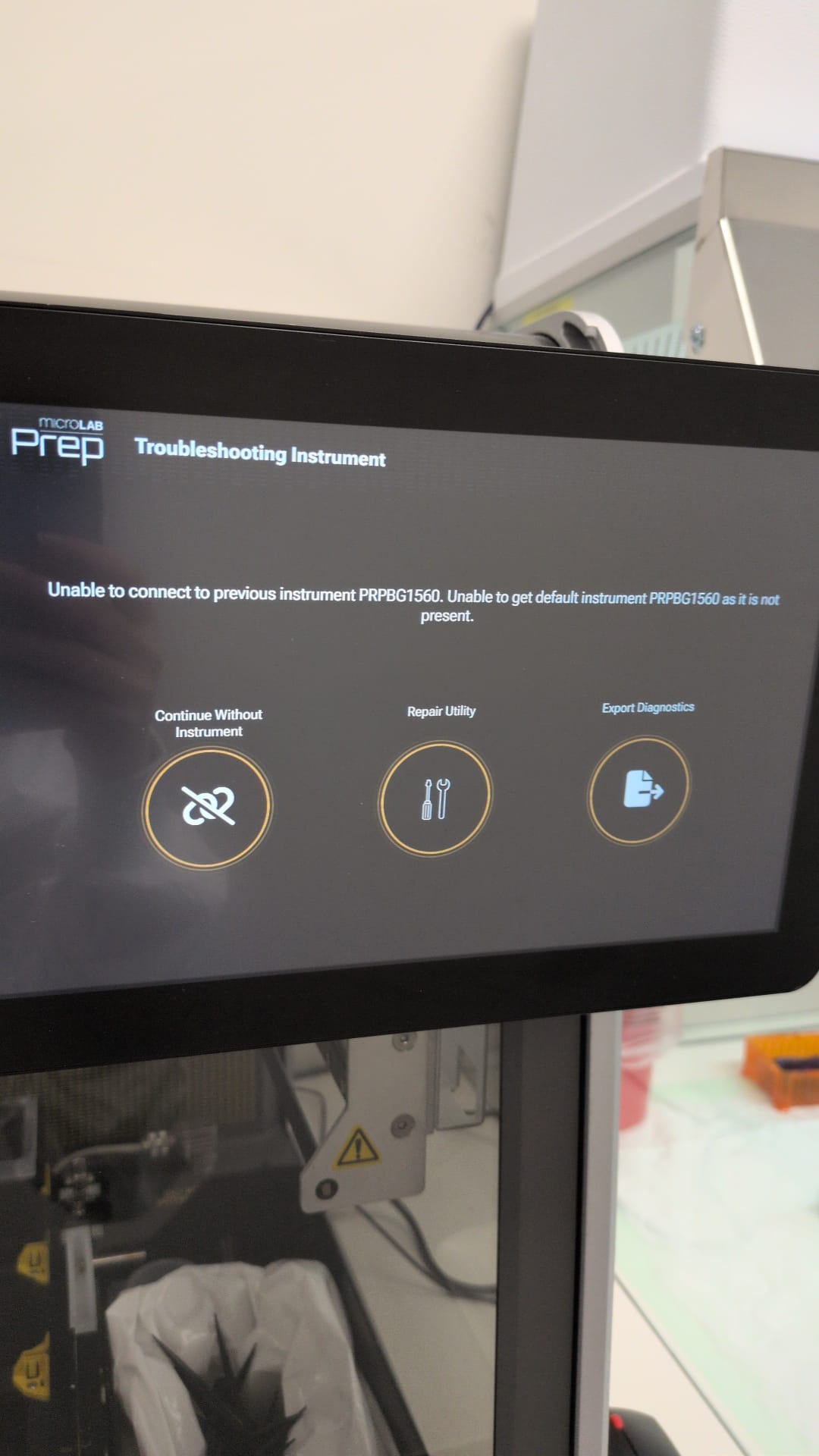
We have the prep for couple of years working just fine. All of a sudden on a Thursday morning the onboard pc cannot detect the instrument, an error I never encountered before. Our local distributor is checking that with Hamilton, but I wondered if anyone tackled this issue. The repair tool doesn’t work in this case, it tries to install a firmware from file but fails.
Hi Isaac, thanks for writing in this forum. I am a part of the US team with Hamilton and would love to offer some assistance while you wait to hear from your local distributors. Can you give this a try?
Select continue without instrument. then go to Settings> Instrument> Configuration, and select instrument. You should choose their serial number…
If that does work, try power cycling and connecting again.
Hi Isaac, thanks for the information. Because these steps did not resolve your event, we recommend working with your distributor to work with Hamilton Support to resolve this technical event. Please let me know how it goes!