Hi,
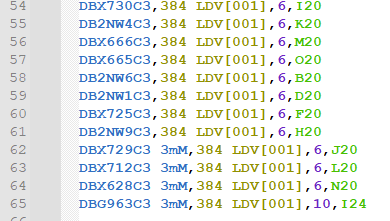
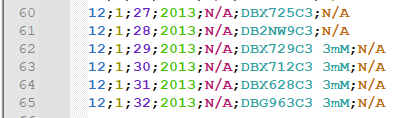
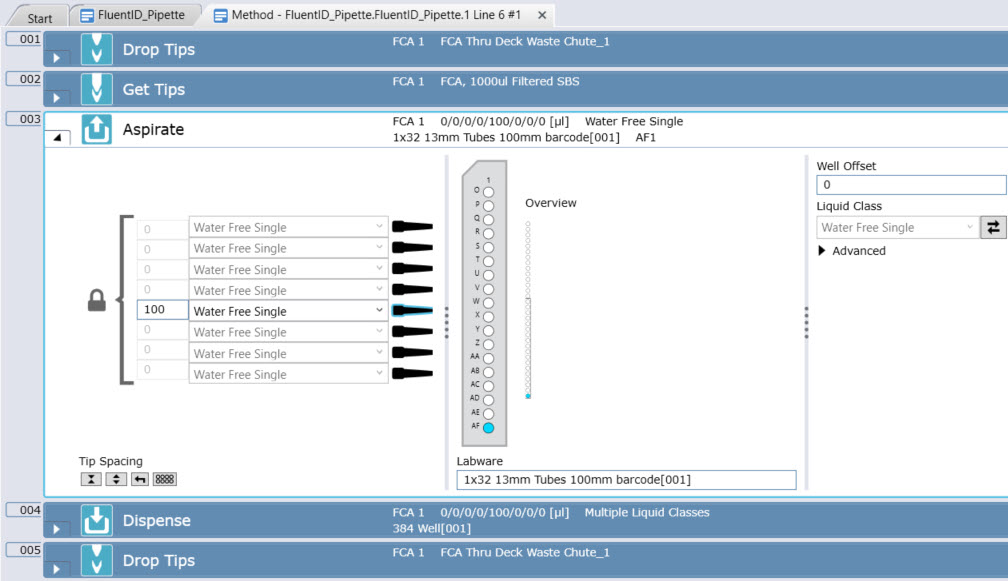
So I think there may be a few things in play here. If I am following tracing your files correctly, it looks like you may have a 32 position FluentID tube carrier on grid 11 and another on grid 12. With the 32 position Fluent ID carriers, not all tips can reach all positions. For example tip 8 cannot reach tube 1 and tip 1 cannot reach tube 32, etc. From your description it sounds like it is trying to use tip 4 to aspirate from postiion 32 of the tube rack on grid 12, which it cannot reach and that tube is better served with tip 8.
You mention one of your channels is disabled and I believe this could be compounding the problem. A few years ago I ran into a similar issue with a customer who I believe was also running FluentControl 3.0. In their case, they had reagent distirbution and sample distribution commands that ran fine until one of the channels had to be disabled due to an unrelated hardware problem in which case it generated something similar to what you are seeing here causing mid-run aborts. So I think these commands like reagent distribution, sample transfer or the worklist generation itself may run into issues in scenarios when channels are disabled in particular versions of the FluentControl software.
I mapped out the 64 tubes using tips 1,3,4,5,6,7,8 (omitting channel 2) and when you do that, at Tube 31 would get tip 8 in the scenario where tip 2 is disabled while Tube 32 would try to use tip 1 which would be problematic since it cannot reach.
So I do think likely a software upgrade will be beneficial. In the interim, there are a few things to consider. For the 32 position carriers where there are certain tubes that are “out of common” where not all tips can reach all tubes, to work well those typically need to be aspirated in sets of 8 using all 8 channels. Understandably you are using the Fluent ID racks for barcode scanning if you are doing something more analogous to hit-picking with your tube placement rather than picking up in sets of 8, then your tube rack should generally be more like a rack of 24 using more of the center part of the system, though those racks typically aren’t setup for FluentID scanning - but you can use the central part of the FluentID carriers in a way that avoids the “out of common” areas - they key is to set it up so all tips can reach all tubes. Otherwise you are best served putting your tubes in an order so as to avoid the next channel falling on a tube it can’t physically reach.
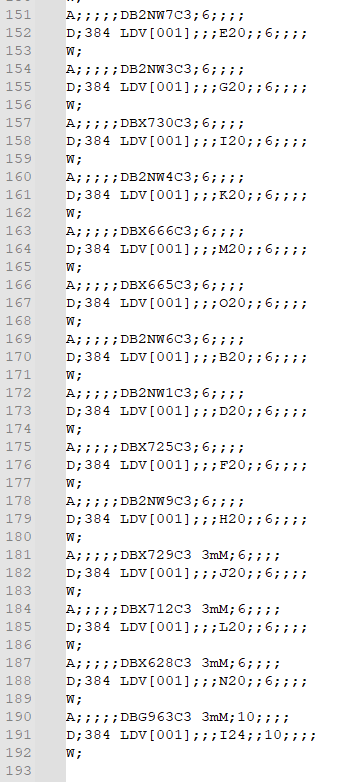
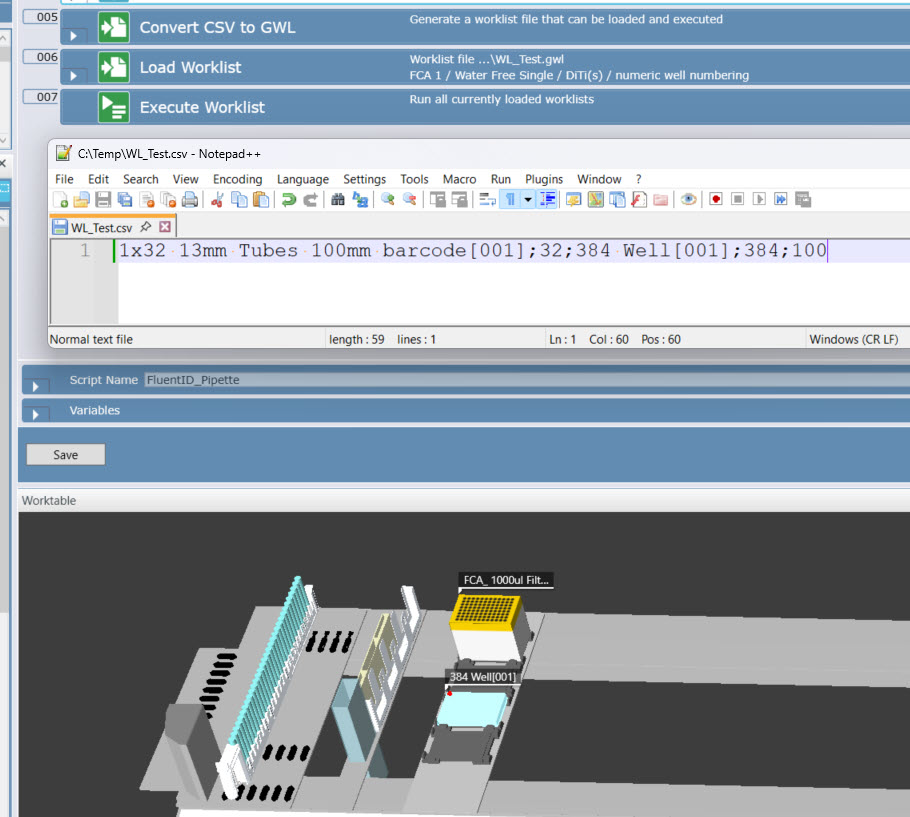
If your worklist is static and not dynamically generated, the other thing you can try to do is insert a B; in your .gwl file (B; is break) (and disable the .csv → .gwl conversion so it does not overwrite your addition of the B; to your .gwl file) - this will set the pipetting back at channel 1 and may potentially help in some scenarios though in this case really you need that last tube to be access with tip 8. So you could potentially try putting the B; in the .gwl between lines 171 and 172. You could also specify the tip mask in your .csv file to assign the particular tip to the particular tube which can be used to avoid this issue. Using the tip mask is probably the cleanest way to handle this until you can get 8 channels enabled again or get your software ugpraded.
One other potential approach you could try is to remove from your initial worklist the tubes that would be reached by channel 2 (e.g. tubes 2, 10,18,26, etc.) so that your pattern still falls along what would otherwise be sets of 8 if you had the 8 channels enabled. Then process those tubes separately.
Mike Mueller
Nucleus Automation Partners LLC