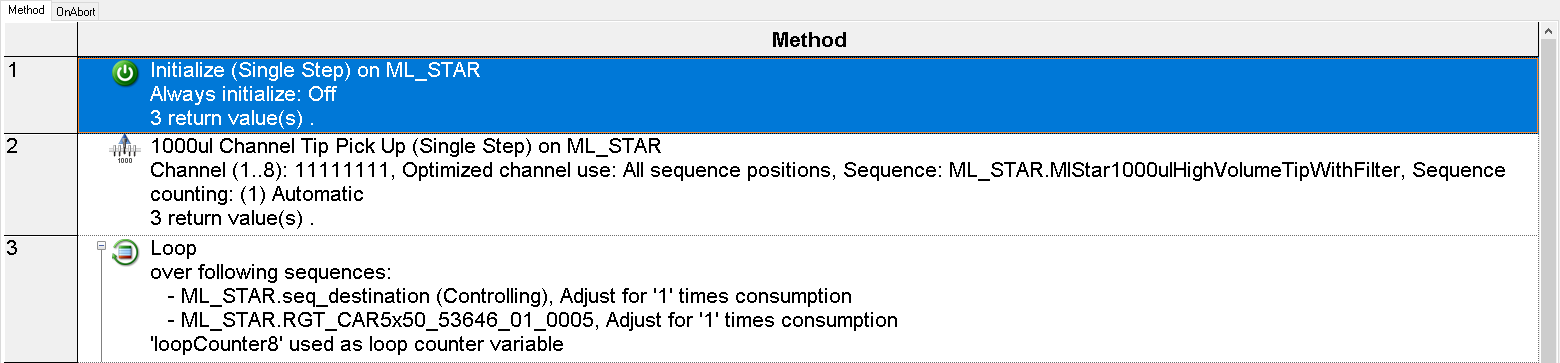
Hi,
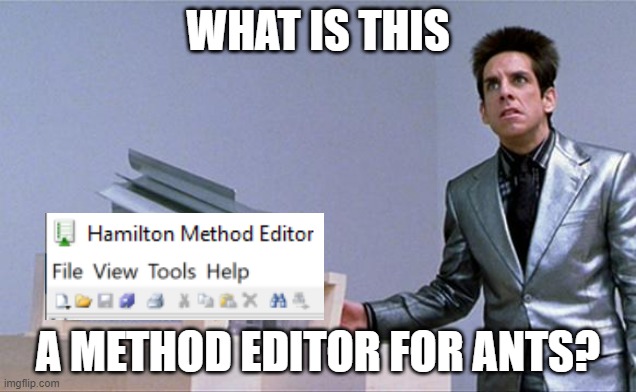
Was just wondering if anyone knew how to scale up the Hamilton text? The buttons are absoulity miniscule.
I know I can change my display resolution, but would rather not downscale all other apps because of Venus… If its not possible this is something I can live with
You can also hold down Ctrl and use the scroll bar in your mouse to increase/decrease the text in the editor or field.
1 Like
Honestly not going to lie, the first image is hilarious 
3 Likes
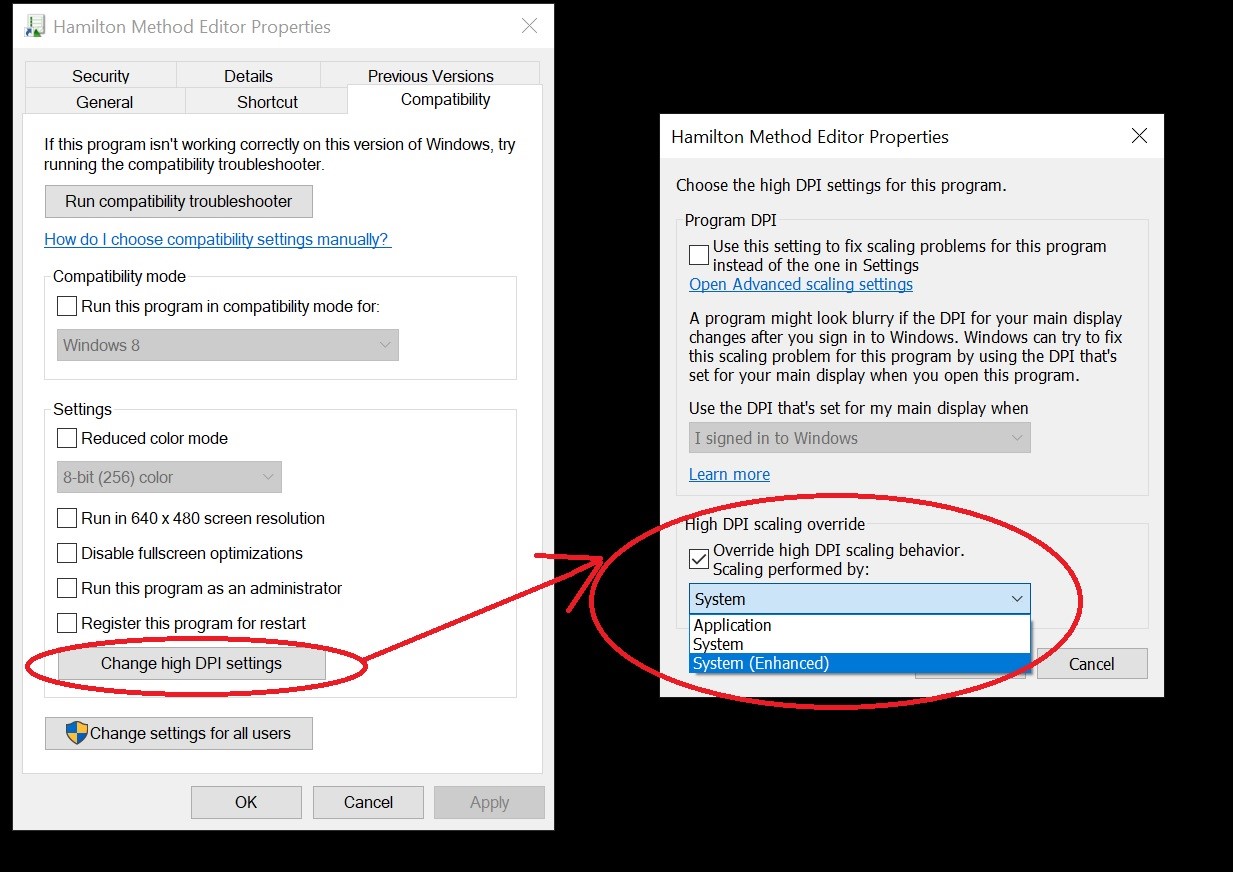
How do you find that menu!? I’m on Venus 4, don’t see it anywhere in the method editor
Right click on the shortcut on Hamilton method editor and click on properties. Navigate to Compatibility tab.
You just saved my eyes!!! Thank you!!! 
3 Likes