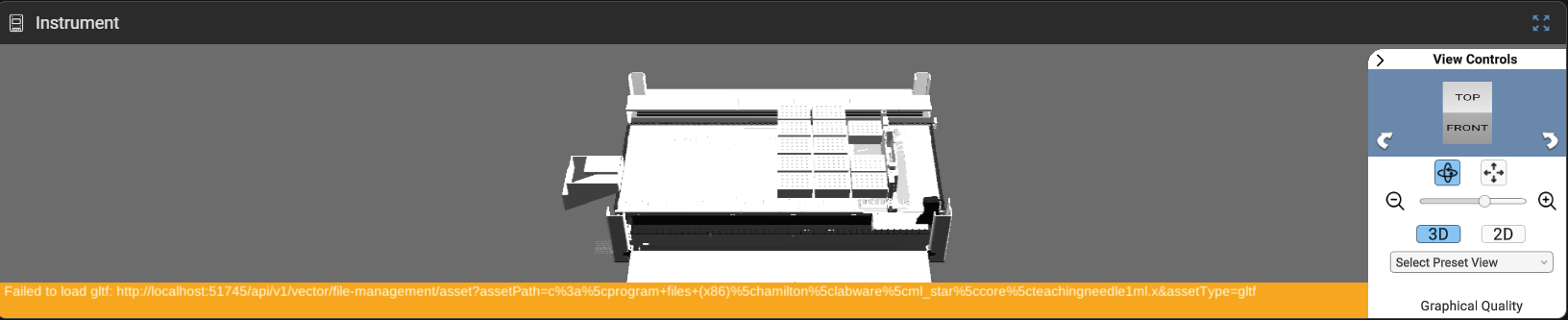
During the Analyze step when opening particular methods in Venus, I get this yellow banner warning: “Failed to load gltf” at a given path (Hamilton/Labware/ML-STAR/Core/). In this case, it is the teachingneedle1mL.gtlf, other times I have seen other labware, as well. I confirmed that file is not there where it expects it (it doesn’t seem to exist in the Hamilton folder at all). A fresh Venus install does not fix it, either. This has also transferred from multiple Venus instances across computers when the method is imported (legacy import tool, selecting “No to All” for overwriting anything on the receiving machine).
I was able to find a copy of this file in backups, so that fixed the issue, but I’m just curious if this is something that has been observed before.
I am also curious that the renderings in Venus 6 don’t seem as crisp/clear as our previous 4.6. Is this what it should look like, or does it seem like something is configured incorrectly? Is there also a way to have active/used sequence position indications be more visible like they were in 4.6? The green flash doesn’t have the best contrast, and then the gray showing a used position sort of fades in rather than just turning gray immediately - it makes it difficult to follow along visually sometimes, whereas with 4.6 everything was crisp and snappy in the animations.