Software Version:
Venus: 6.3.2.1485
Out of the blue whenever I run any method that uses the timer function, it throws following error:
2026-05-06 15:34:33.305 SYSTEM : Analyze method - progress; C:\Program Files (x86)\Hamilton\Methods\Whatswrong.hsl(34) : error 1302: 'MECC::IDS::stepNameTimerStop' undeclared identifier
I’m can’t seem to find the root cause of this issue. When I dig down in the debugger it sends me following file:
"C:\Program Files (x86)\Hamilton\Library\HSLMECCLibEnu.hs_"
The file does contain the following line:
Insert(IDS::stepNameTimerStop, "Timer: Stop" );
The last action I did before this issue arise was export the method. I had then installed the method to a new PC with same software version. I encountered the problem on the new PC first. Then when I came back to my original PC to check, the issue is present there as well.
During the import process, I did select import everything including existing file. Hence overriding existing HSLMECLib files.
I’ve done following troubleshooting:
Copy the “MECC” files from another PC that is unaffected and replace with affected PC. This didn’t resolve it.
Next, I believe I did following sequence of steps, can’t recall properly:
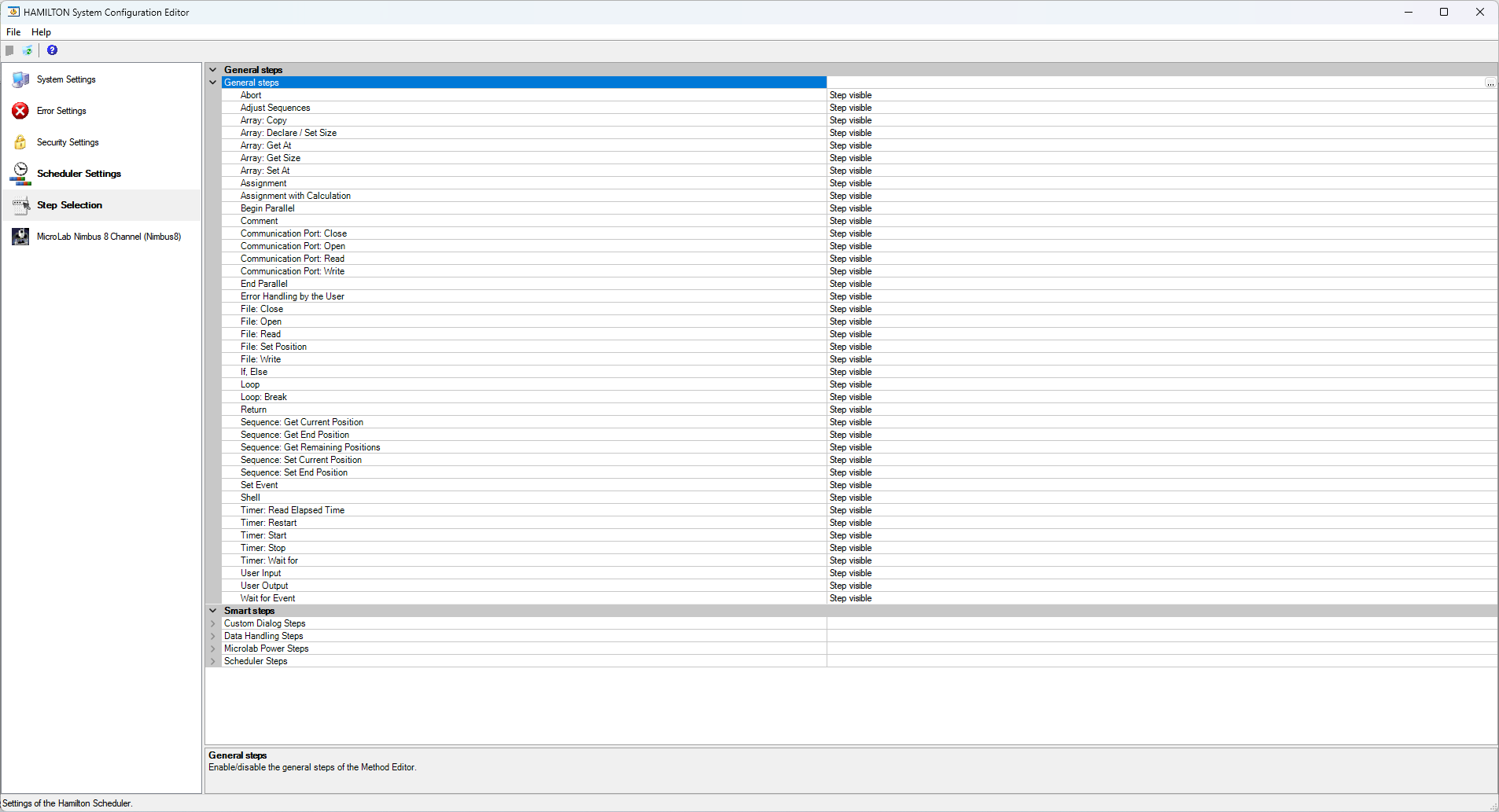
I went on System Configuration and set the “Timer: Stop” Step selection method to Hidden. Then save the config file. Reopen, then make it visible. Then I may have created a method just using the timer functions. Run it, again threw the same error.
I left and grabbed a cup of coffee, come back and re-run my original method and it started working again!
I tried to replicate this solution to my other affected PC, but this doesn’t seem to work 
Then, I then re-installed Venus, and it fixed the issue. I haven’t tried re-importing the “infected” file on this system yet.
Has anybody else seen similar issue before?
Also, when I try importing a new method, even if I unselect a file that shouldn’t be overwritten, it overwrites it anyway, specifically the “*.lay” file.
Thanks in advance 