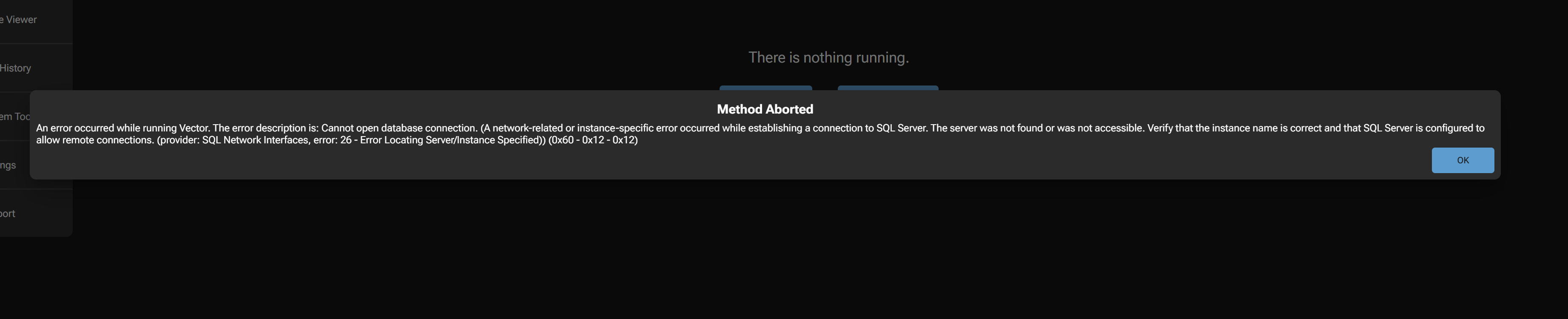
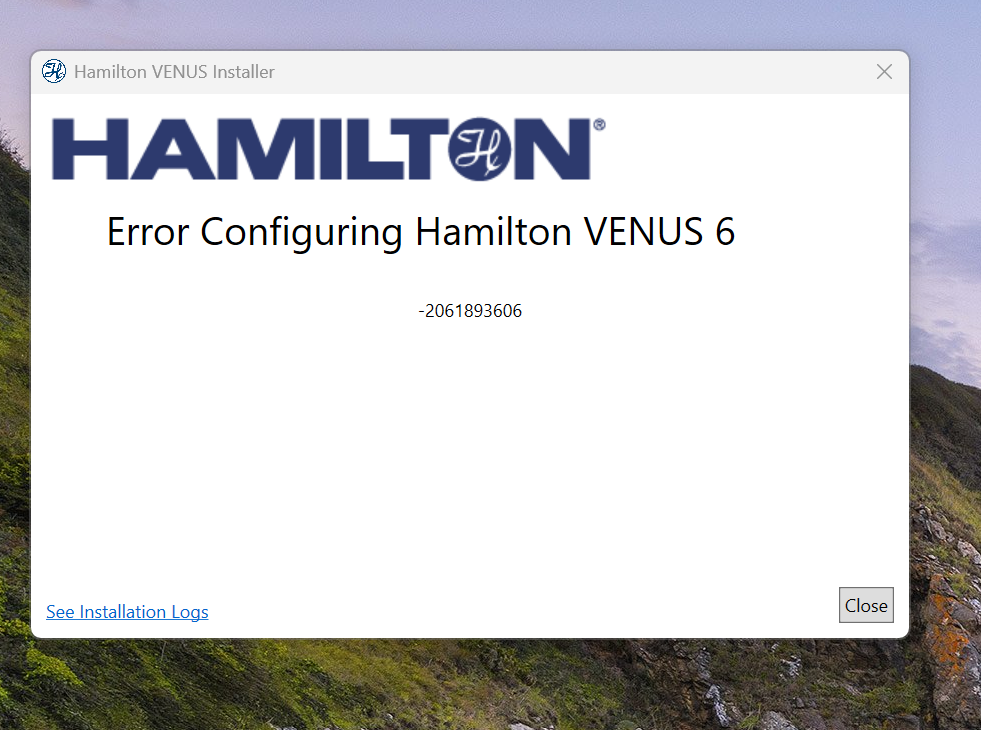
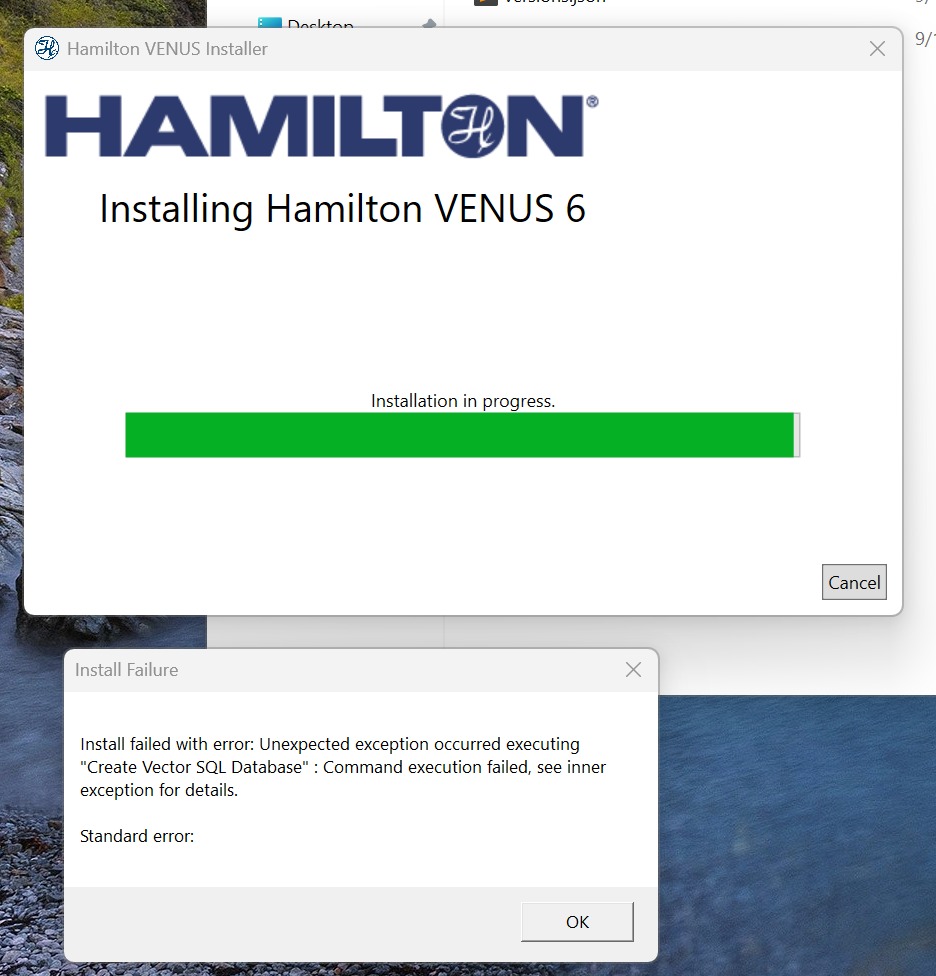
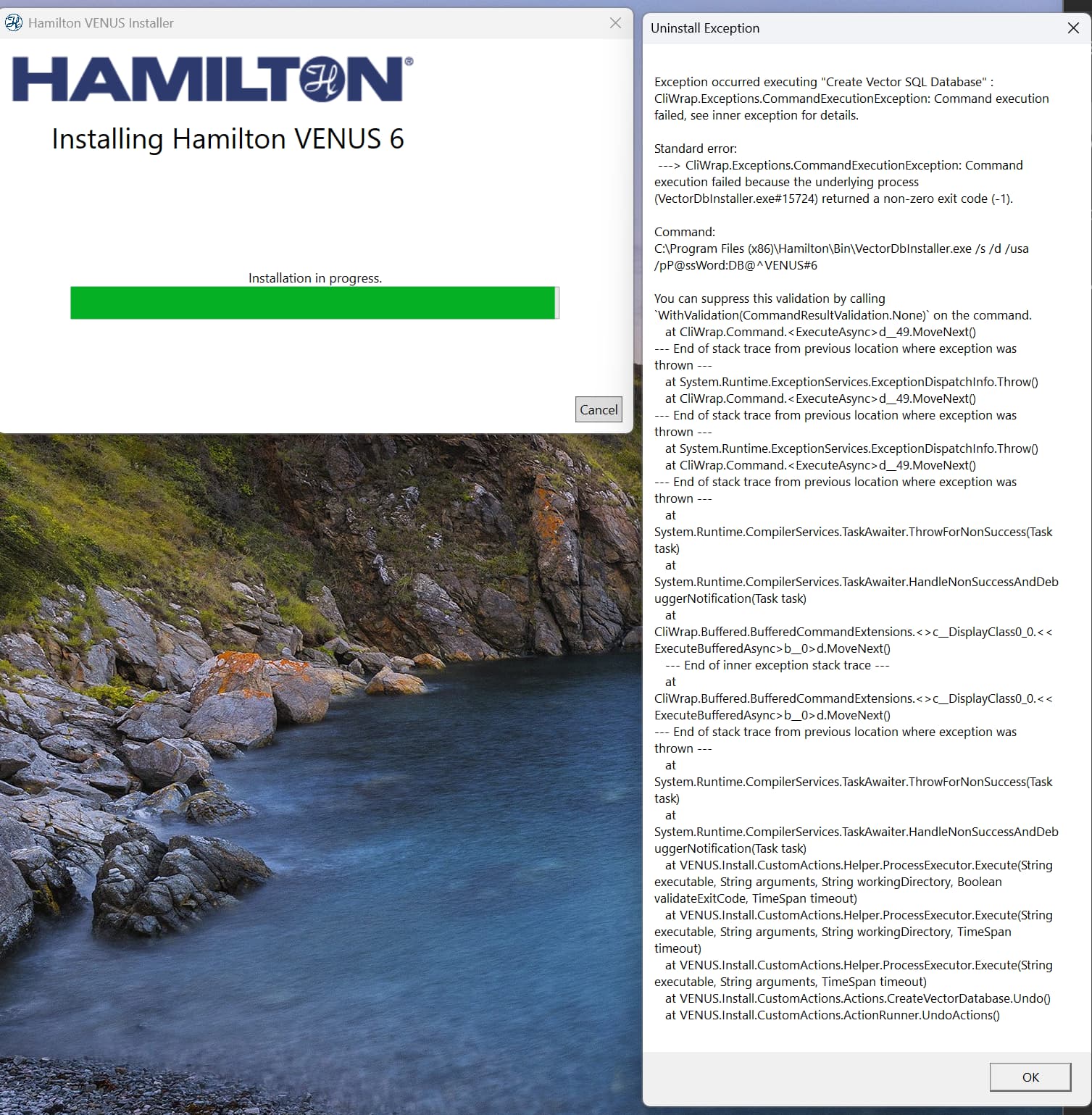
Recognizing this as a “bad” install we decided to uninstall Venus, run the Hamilton wipe tool, and clean the registries/SQL database of anything Hamilton. Hamilton had provided us with a .pdf document on how to do this with our 6.2 installation.
After wiping everything we are still getting errors, and now 6.2 will not install at all.
I think wiping is not a bad idea unless you can get a definitive uninstaller for Venus 6.
One thing I would highly recommend going forward, since you’ve had this issue, is a software package named Revo Uninstaller. It’s pretty decent at cleaning leftover “stuff” from old installs.
One other important feature is that you can also use it to install software and track EVERYTHING that it does including files added, files modified, and registry entries. This allows you to COMPLETELY remove ANY changes the software has made to the system and start fresh without the need to wipe the PC.
Many many software packages these days, not just in the lab automation space, love to leave things behind. I feel like there should be some law somewhere that if you put it on the system it must come off when it is uninstalled… but I digress…
So it seems 100% to be something with this PC and SQL 2019. Outside of the Hamilton installer, from Microsoft, we run into the same error when trying to install SQL 2019. Gemini points us to a IO memory setup error in the logs but oddly we were using SQL 2019 fine with Windows 10 so I doubt it is a hardware error, though Gemini is awfully convincing. To remedy this we updated our BIOS and drivers on the computer, SQL 2019 still will not install.
There is an issue when you are installing that version! Use 4706 for the correct installation.
It took me also a few tries but in the end it found this out. I think @EricSindelar_Hamilton or anybody else from Hamilton can hook you up with the correct version, I don’t know if it is allowed to share Venus installations accross the web, so I leave that in the hands of H.
What kind of environment are you trying to install Venus in? Is the system already within a domain? SQL Installation issues are a classic example of trying to install Venus within a domain structure. Even if you or your IT things all necessary rights are there, it is very often advisable to install Venus outside of the domain and then integrate the system into it.
@Pascal Reached out to our Hamilton rep for the newest installer.
@PatrickM System is inside our companies domain but the account we are installing on is administrator. We have had no issues with this installation on Windows 10 + 4.5 and Windows 10 + 6.2. Possibly something permission wise has changed for Windows 11. At this point this computers SQL installation is so goofed I think I have to wipe it, SQL 2019 is now failing to uninstall. Luckily we’re not tied to the env at all method wise so wiping a computer has no real consequences.
My path forward is wipe the computer, get the newest Hamilton installer and see if we get the same error. After that I will try removing the computer from the domain and security permissions to see if that is effecting the install, which it hasn’t in the past.
I second this. I have the feeling that domain-joining a PC and letting policies get applied can great permissions issues. We are upgrading our PCs right now and I am going to create a “golden image” that was created without being domain joined and see if that helps with some of these installation issues.
Generally (at least it used to be this way) when installing a new STAR, Hamilton FAS/FSE would unbox the PC, install everything for the Hamilton, and then had the PC over to the customer’s IT group for domain joining. I think thats a paradigm worth examining.
I would simply install what you tried to install now and install 4706, this issue is well known and is reported in the release note. No domain issue or permission issue, it’s simply a known bug.