DirectX .x files are increasingly being phased out or unsupported in modern 3D workflows. Even tools like Blender no longer provide a reliable built-in way to open and work with these files. For Hamilton automation workflows especially, this becomes a real problem because VENUS still relies on .x and .hxx model formats for deck resources and labware visualization.
The goal of this project is to provide a reliable, open, and practical way to keep working with these files without being locked into outdated or vendor-specific tooling.
DirectX 3D Viewer can help you:
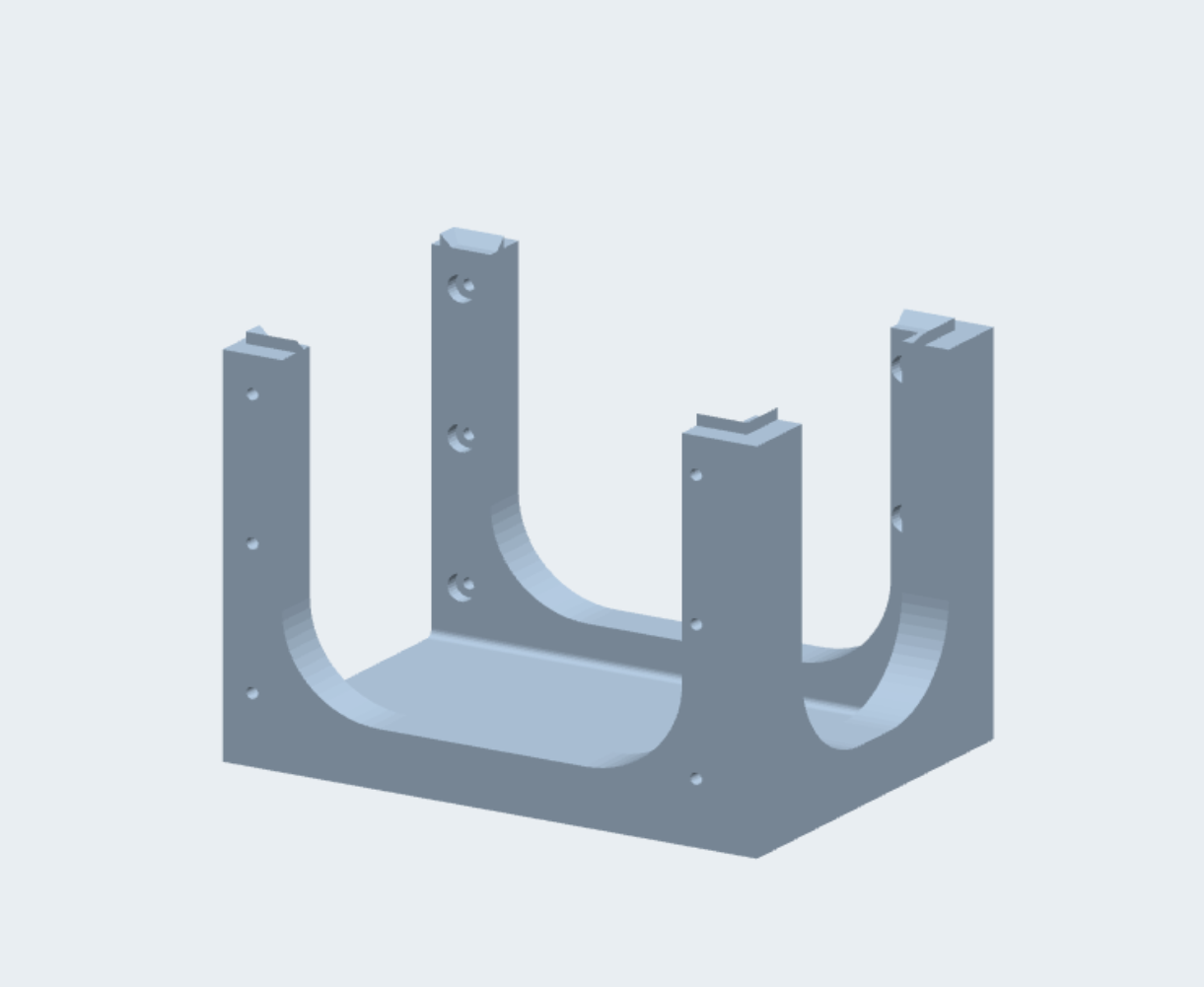
Open and inspect legacy Hamilton .x and .hxx 3D assets
View .x, .hxx, .obj, and .stl files in a native Direct3D 11 viewport
Convert between .x, .obj, .stl, and .glb
Take clean screenshots of models
Apply basic transforms such as rotate ±90° and mirror on X/Y/Z
Use orbit, pan, and dolly camera controls
Toggle wireframe, grid, and perspective / orthographic views
Drag and drop files directly into the viewer
I spent a lot of time building this because I think the community needs a dependable way to work with these files as mainstream support continues to disappear. I would really appreciate feedback, testing, bug reports, and suggestions from anyone who works with Hamilton 3D assets or legacy .x files.
I have a few suggestions, you can use helix-toolkit to do 3D display in WPF and you can use assimp to load many other kinds of model files (which was supported by helix). Then you do not need to write and test so many codes to load these file types.
Also you can do these works in html with three.js, and then you can embed your work in electron to enable it run in other os.
all these can support more functions of 3D, like material with image and more model types.
I can update you and the rest of the Automators when this is setup, should be a simple converter for browser based conversion that could be static and even hosted on GitHub pages.
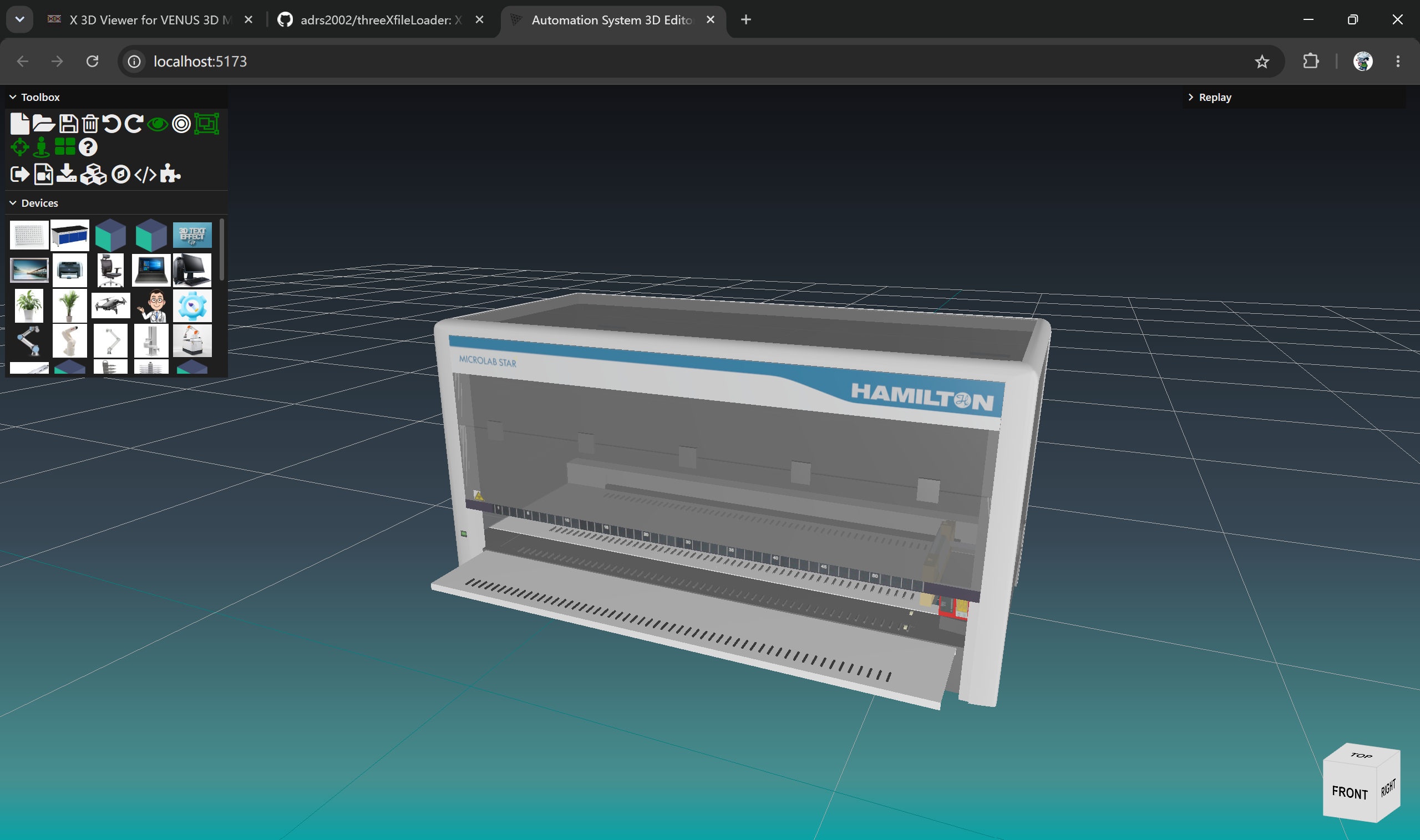
adrs2002\threeXfileLoader was based on very old version of three.js, I tried to port it to current version of three.js, but I failed. I wrote a loader (typescript) for x file of text format, and it worked fine for Hamilton’s model files. I can share it to your project, if you need.
That’s awesome! I have a commit pending on my laptop I keep forgetting to push, once I do would you want to take a look to see if I’m using the right version. I have to be honest web dev is not really my strongest asset so I really appreciate your help!
If you want to finish this tool quickly, I think you’d better use helix toolkit, which used assimp to load and export many types of 3d model files, which also have been developed for many years and by many developers.
Also, there are many tools on the web, which can convert between many types of 3D model.
I decided to not go with Helix Toolkit as SharpDX is unmaintained and the Vortice 3.8.3 bindings are more modern and future proof.
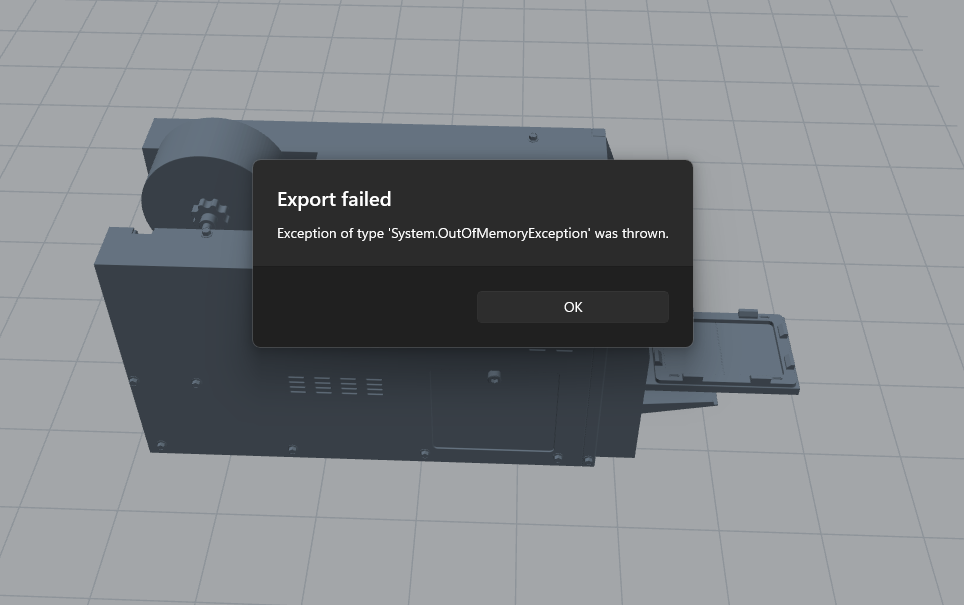
As for larger models the issue is with the lack of backface or frustum culling, and synchronous loading on the UI thread, and no device-lost recovery. All added in version 1.1.0 here:
Actually, I think it will be easier to write some loaders of 3D model files for venus, and then enable venus the ability to display more types of 3D model files. Then we don’t need to handle with these old x files.
But I know that is impossible. Btw I am very confused about what Hamilton do on 3D, now they have three technologies of 3D
DirectX and .x File for 3D decklayout
unity for 3D run simulation, with different model files
P’X 5 with another different 3d file format
I think it will be very easier to use one technology or the same 3D file for all these situation, by only writing some loaders of model file.
Totally agree also this viewer enables the .hxx which is their compressed .x format which is even more frustrating but also was the reason I had started this project because I really wanted to get our layouts on Venus on par with what users are expecting.
I wish we weren’t using such an older 3d format for the shell and we could switch to some more modern gLB or OBJ formats for this but alas this is hopefully the next best thing.
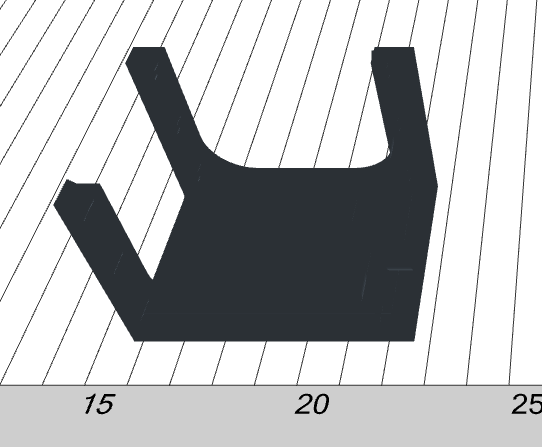
As for @Thib 's question on contrast I did add a color selection tool for outputting the model in a different color to add more contrast. I added color swatches but in a new version the user could specify the color output and I could create a cli tool for this as well if needed.