So that I could help you better would you mind answering a few questions for me:
- Are you working on a STAR or is it a STARV/VANTAGE?
- If you are working on a STAR do you have a 1D autoload or a 2D autoload?
- Regardless of the system type, what version of VENUS are you running?
Based on what you have, changing the location that you try and read barcodes could go down different paths.
Have you taken a look at this thread: Tip Scanning with Autoloader ? It has a lot of information about barcode reading. But if changing a labware property on-the-fly is what you really need then you can do so with the ValueForKey Set and Get Commands in the HSLLabwrAccess library.
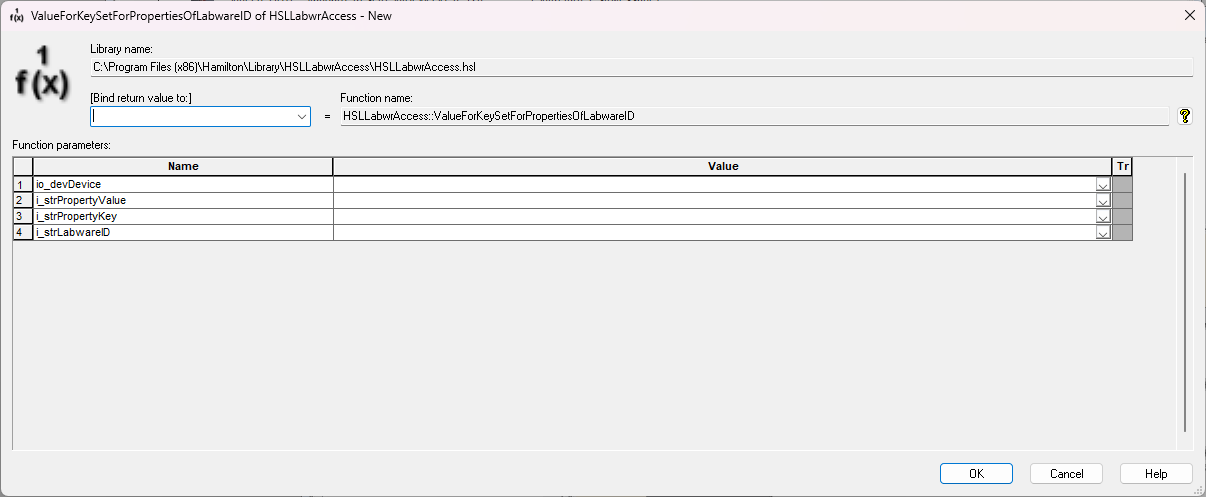
You also don’t need to set the labware property back to what it was at the end of the method unless you also use the SaveChangesToDeckLayout command in the same library.
Matt