Apologies for posting the same topic twice, but I cannot delete my previous post.
Thank you, Stefan, for answering. However, I would like to re-express my problem a bit more clearly (sorry, I realized that yesterday I didn’t provide much information).
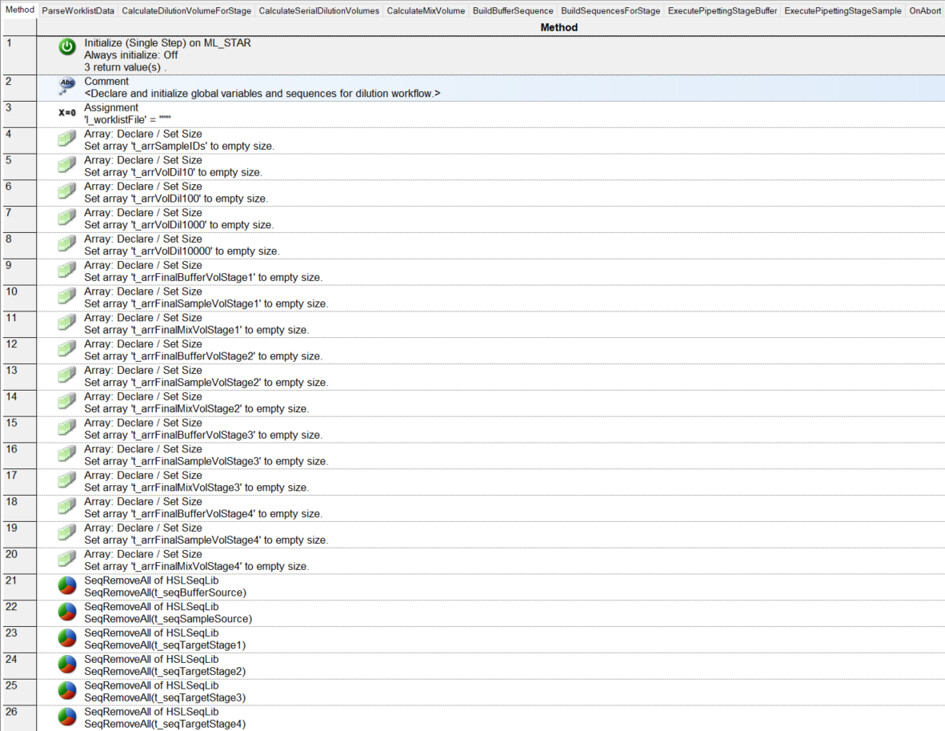
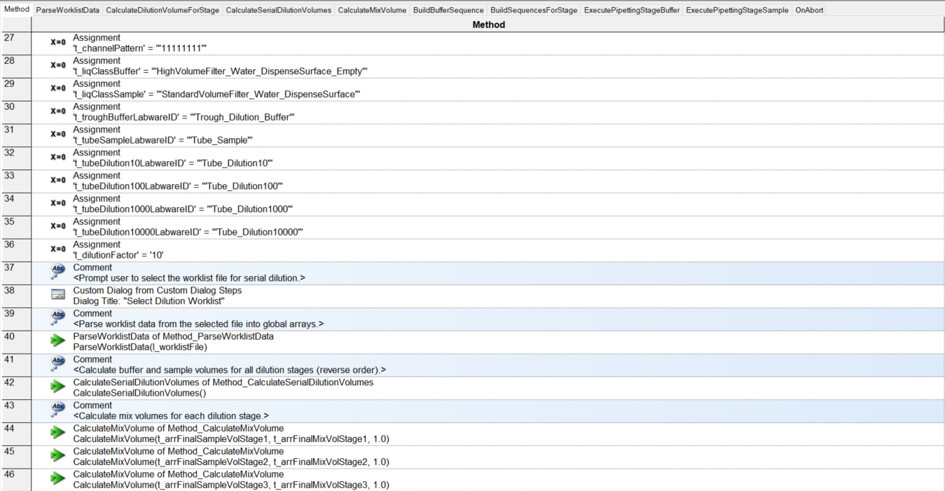
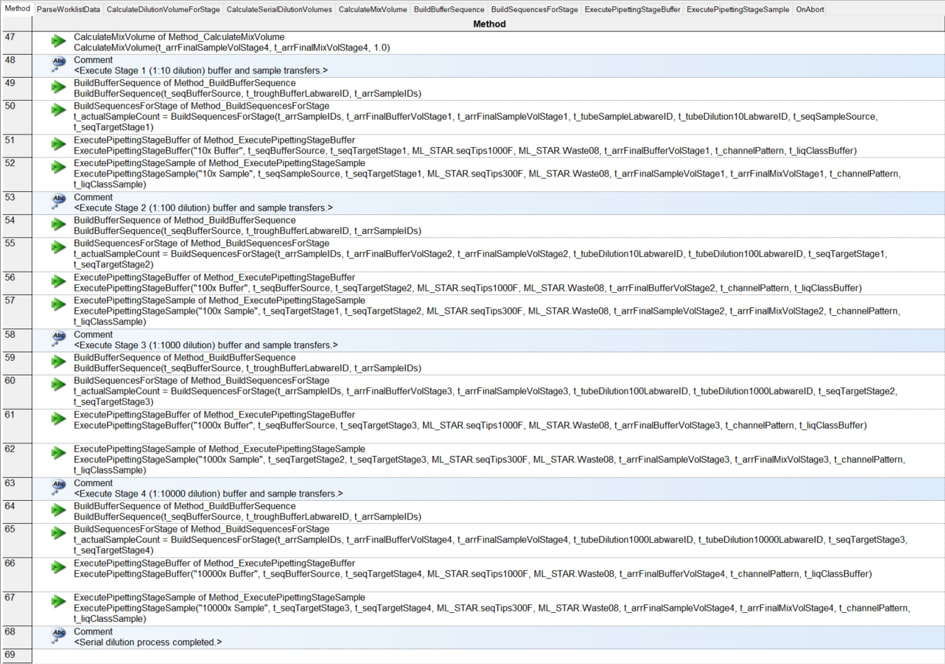
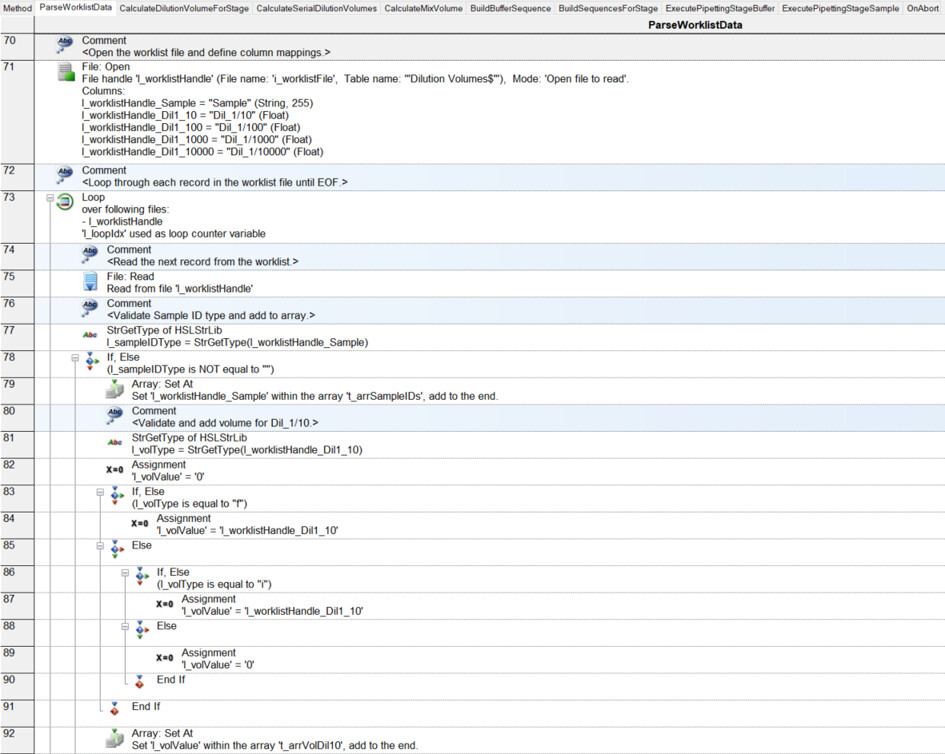
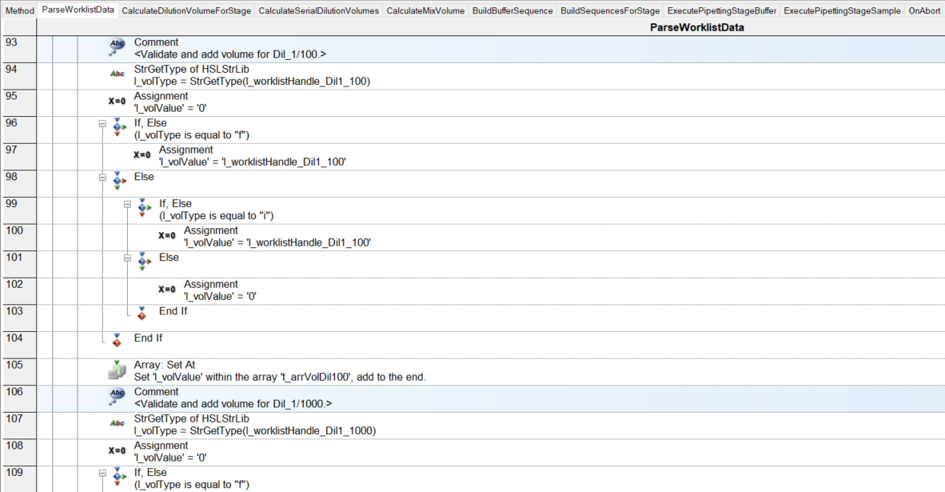
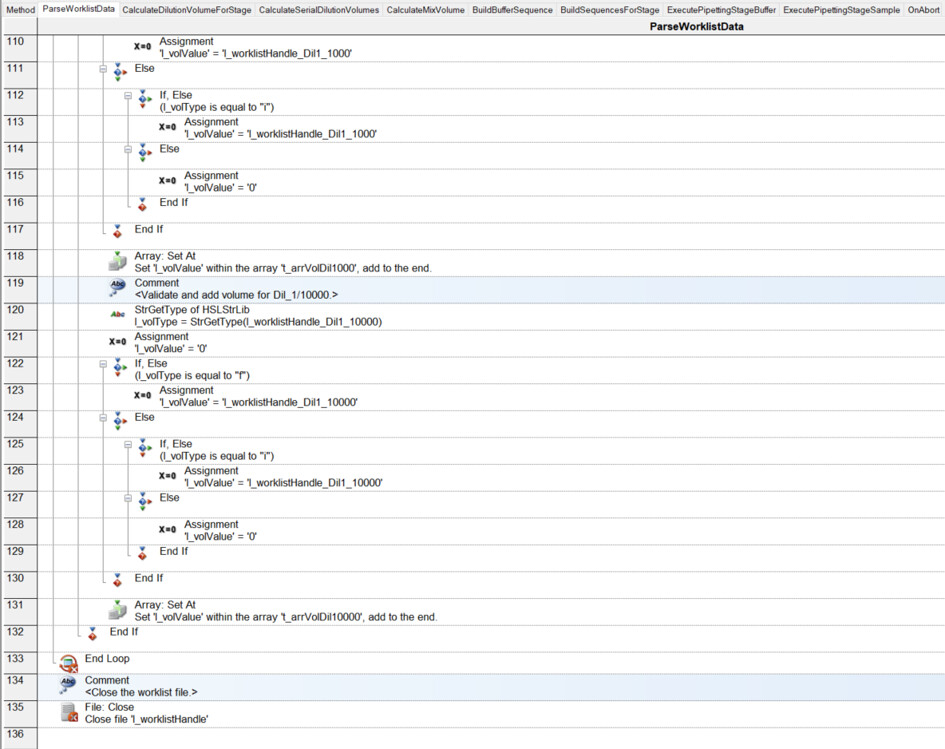
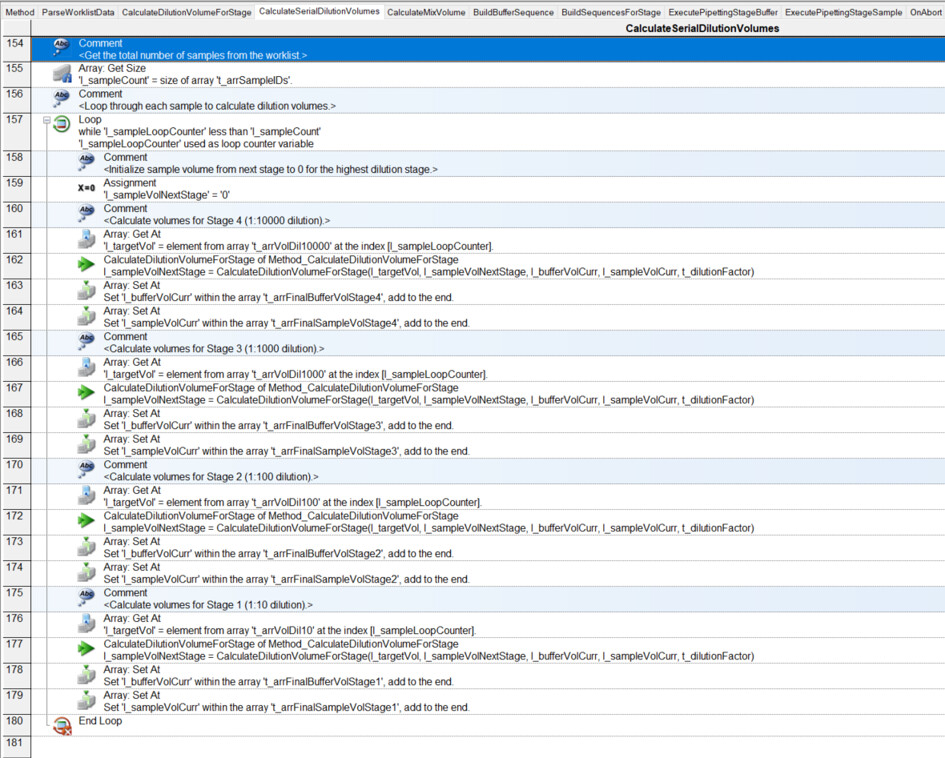
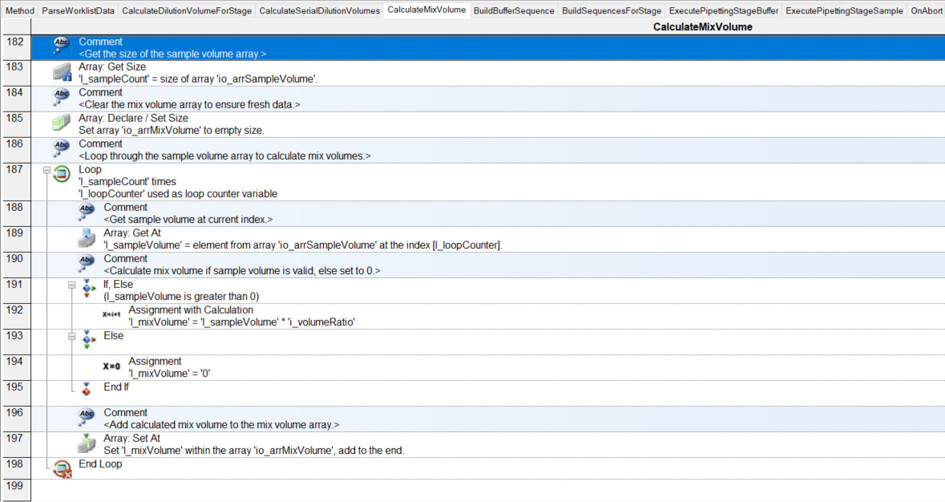
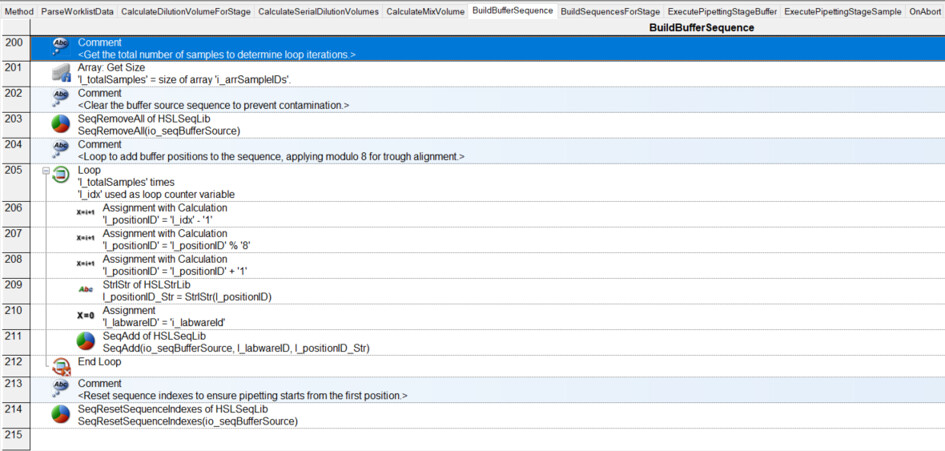
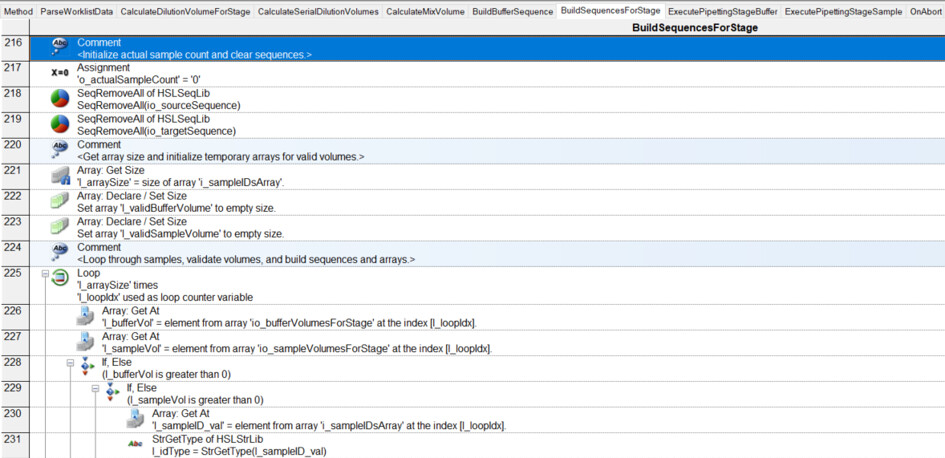
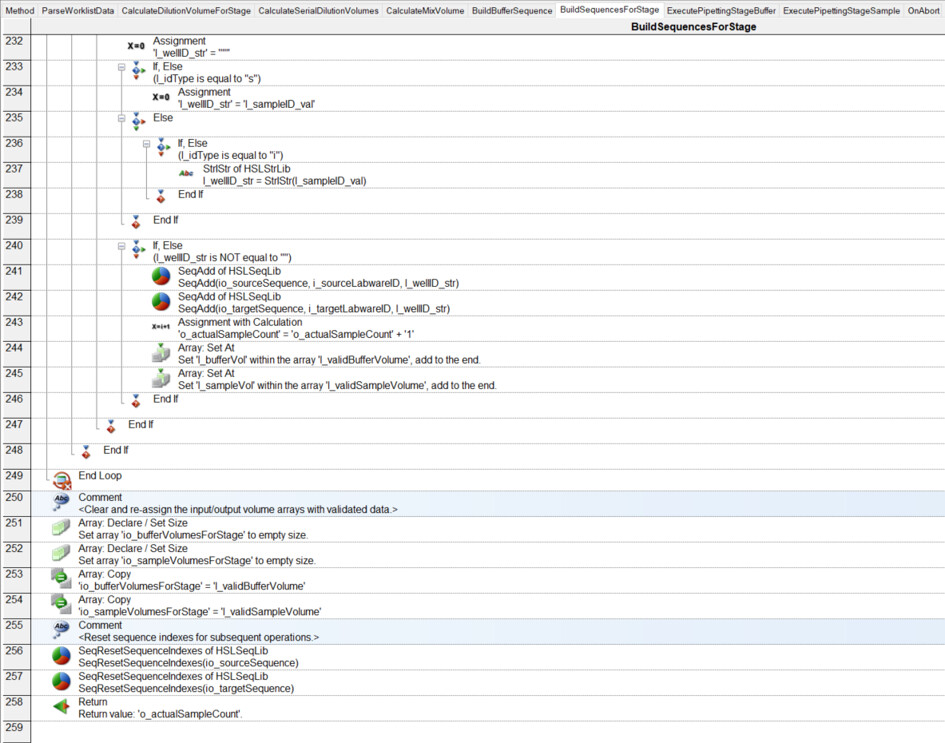
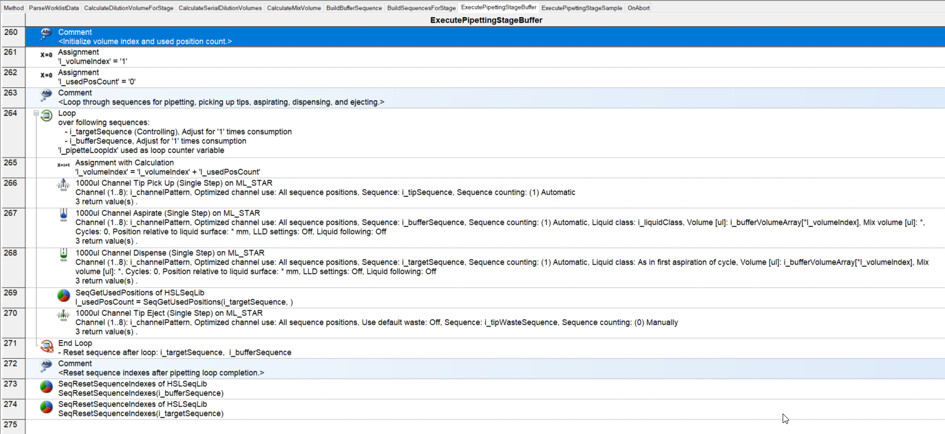
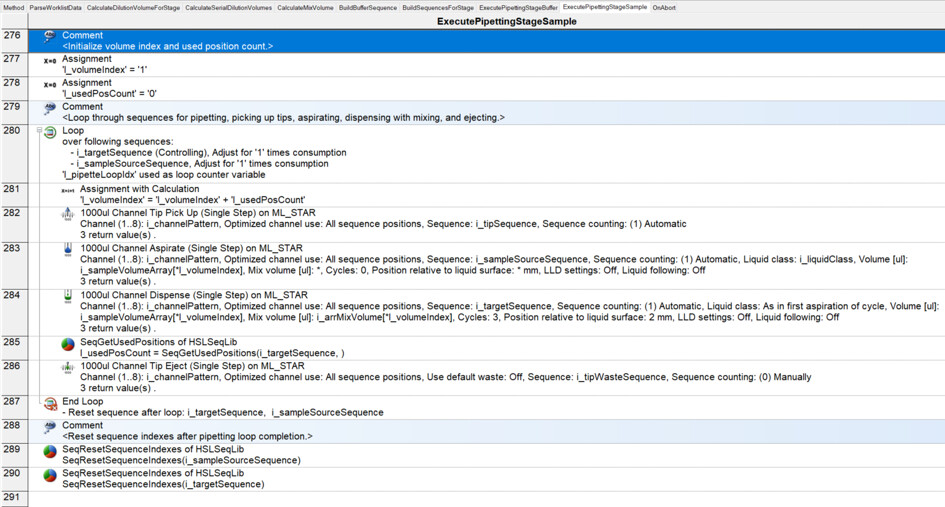
I have had my system for a few months now, and I am exploring the more complex parts of Venus: arrays, worklists, and building sequences on the fly.
What I want to do:
I have a basic deck with some tips on the left, a reservoir containing diluent, and a carrier with up to 32 samples. I want to be able to dilute these samples to 1/10, 1/100, 1/1000, and 1/10000:
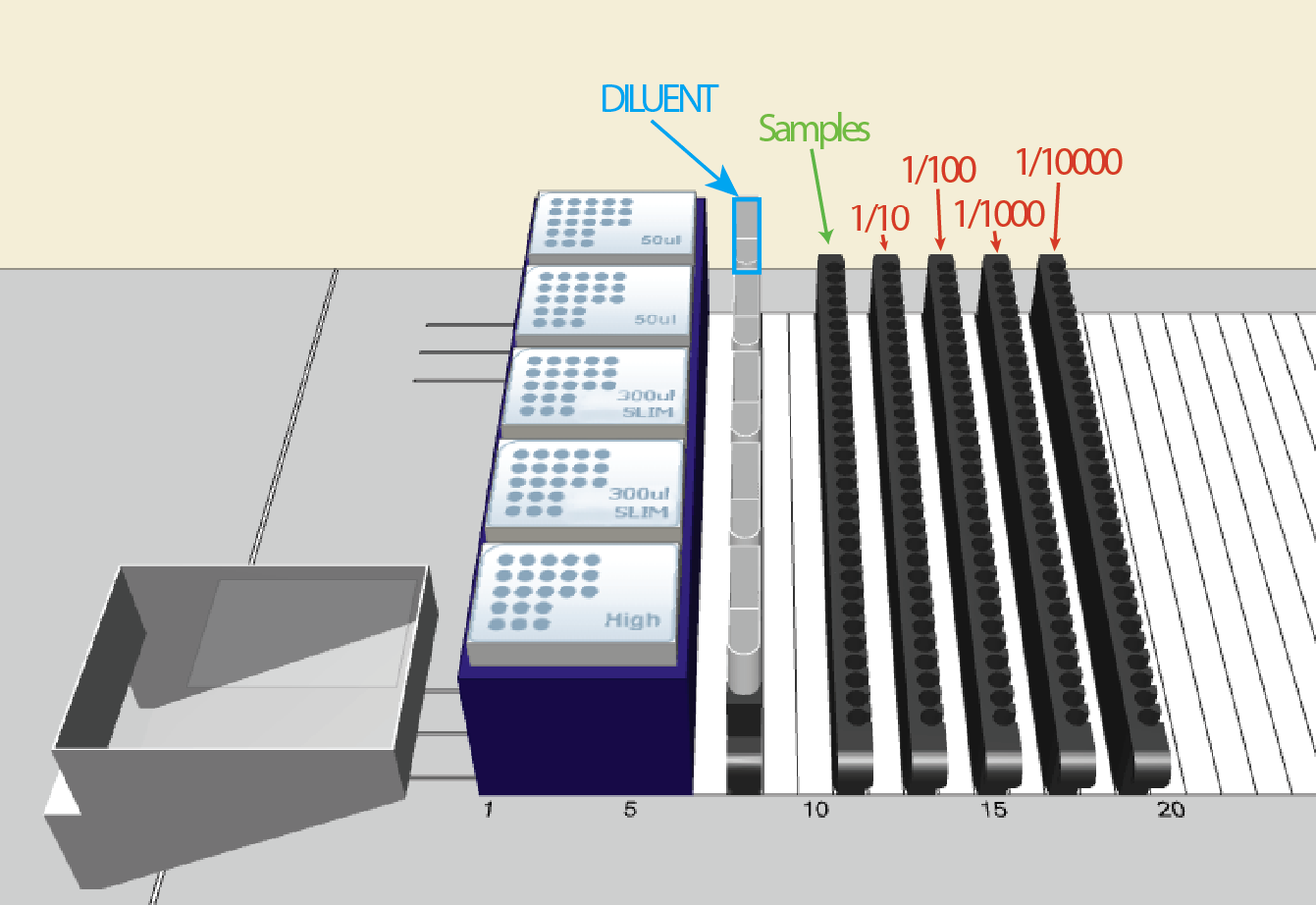
For the dilution, I will use a worklist. Something like that that the user can browse for. It will look like that:
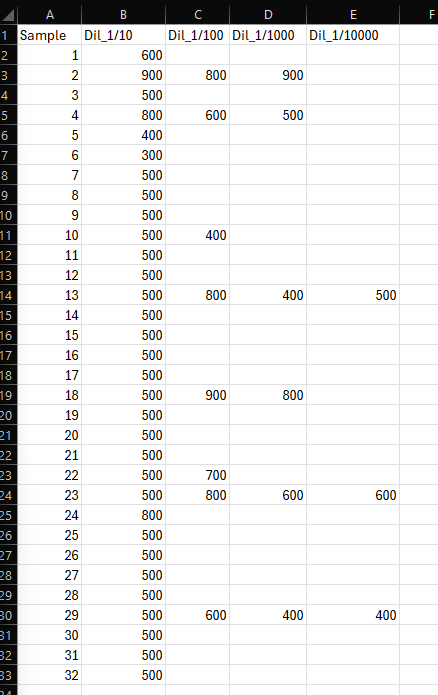
Column A: sample name (for instance, 1 to 32).
Then, there are 4 other columns: 1/10, 1/100, 1/1000, and 1/10000.
In each of these columns, we enter the final preparation volume.
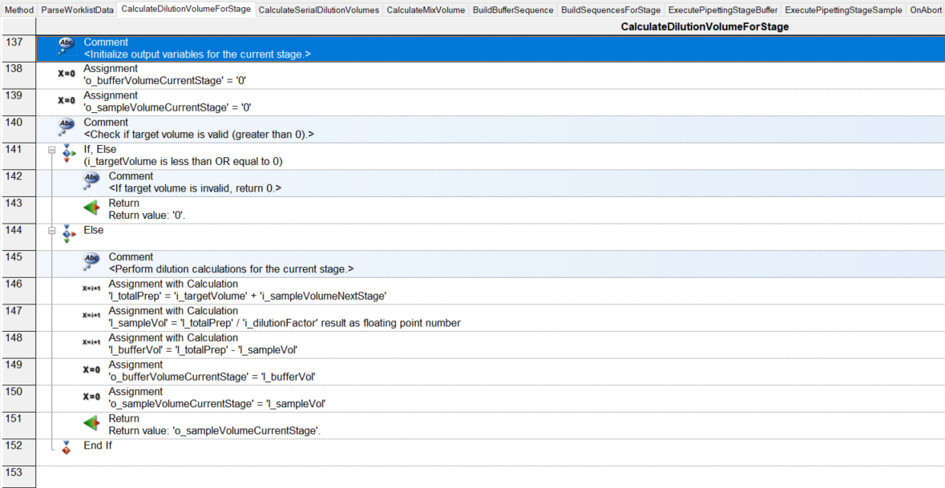
For example, in column 1/10, sample 1: 600 µL (cell B2). Since this is a 1/10 dilution and we need to prepare a total volume of 600 µL, we must pipette 60 µL from sample 1:1 and add 540 µL of diluent.
Another example: cell B9. We need to prepare 500 µL of a 1/10 dilution. Therefore, we take 50 µL of sample and dilute it with 450 µL of diluent.
Where it becomes tricky (and where I need to build the sequence on the fly…) is that not all samples are diluted to 1/10,000. For instance, sample 1 is only diluted to 1/10 (row 2), while sample 4 goes to 1/1,000 (row 5), and sample 13 goes to 1/10,000 (row 14). Here, I’m having some difficulty building the sequence on the fly and determining where it should stop.
Do ay of you have something similar that you have built so I can get some inspiration?
Thank you very much!