Posted a new topic since I messed up my gif uploading (shame) 
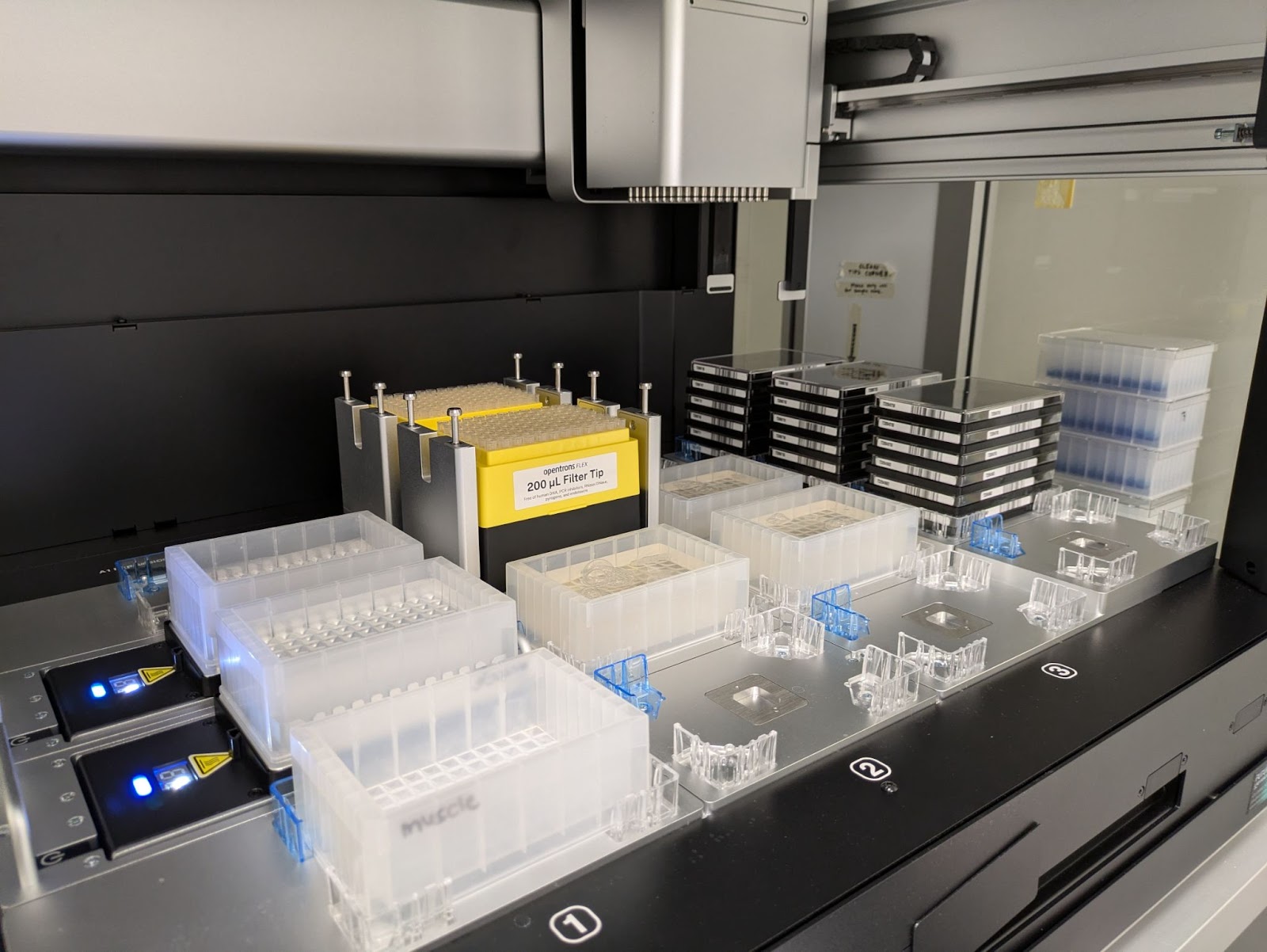
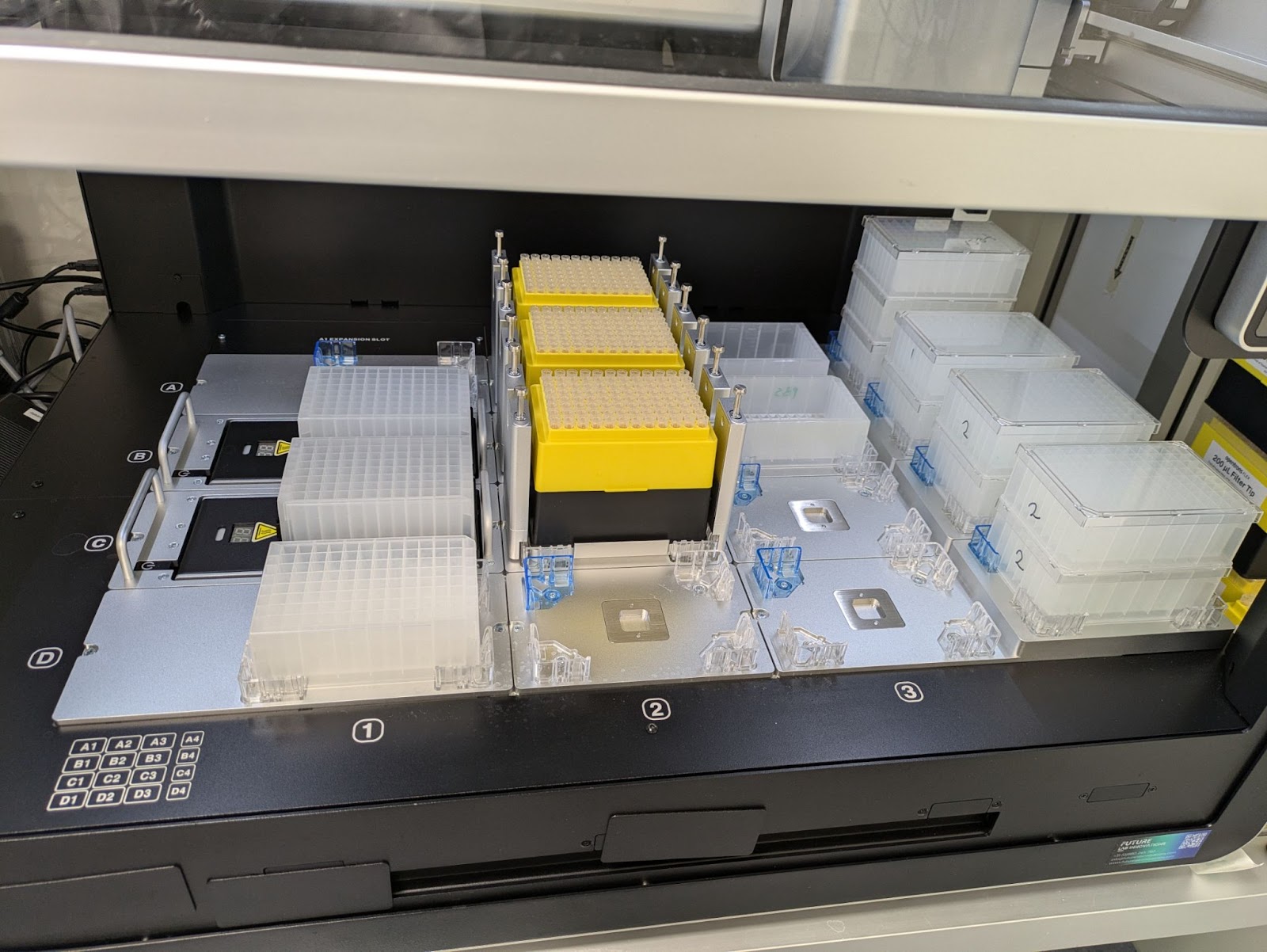
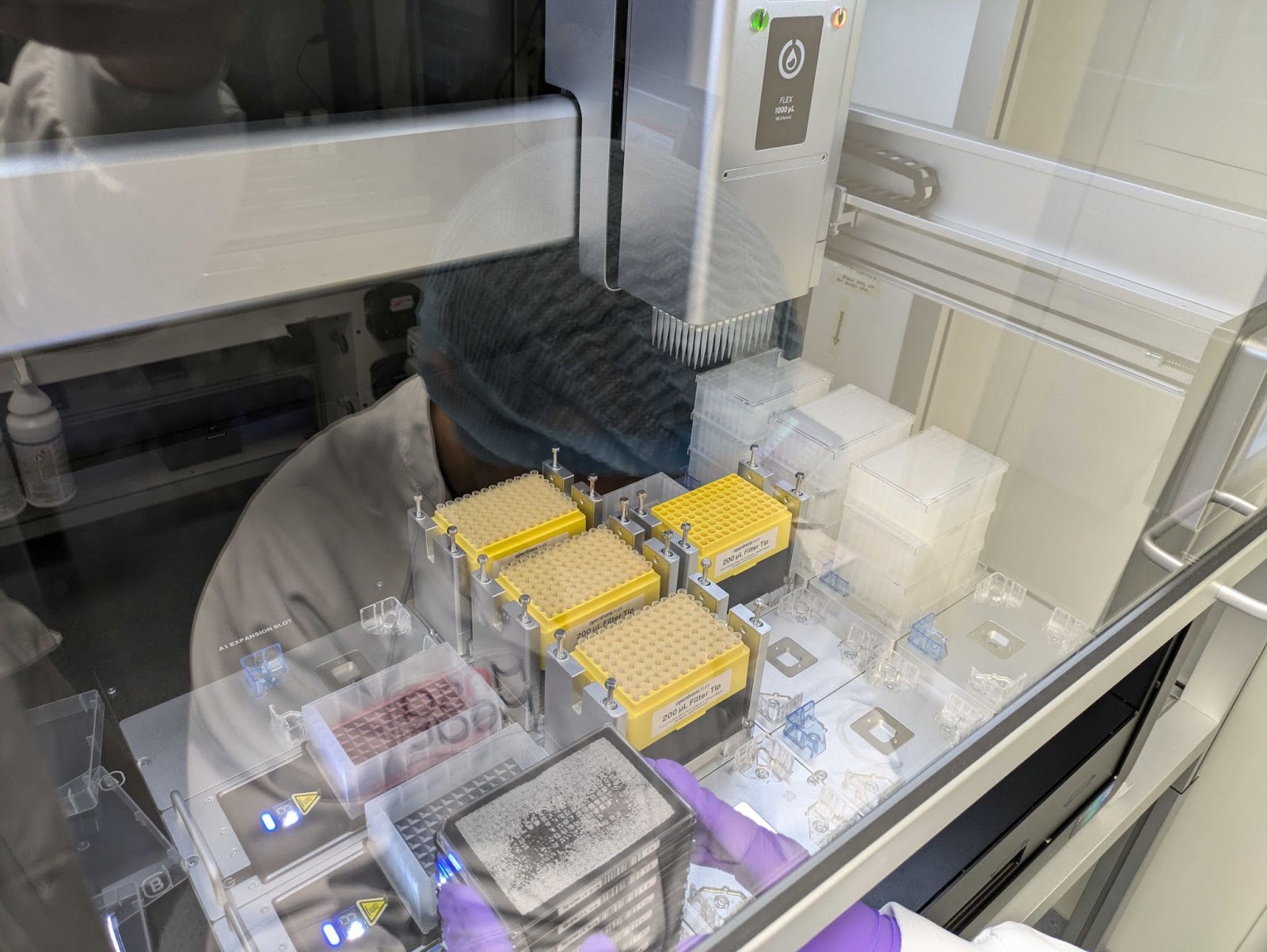
This is just a positive review of the Flex. I got one early this year and at this point my team is running things regularly on it for compound library screenings (cell seeding to media prep to media exchange). We’ve managed to triple out throughput (we were previously using 2x OT2s with p300 / p20 multichannel pipettes) and we’re pretty happy with the system now.
I just personally like seeing videos / gifs of systems that are in use, and I figured there are other nerds here that would appreciate the same
Cell Seeding:
Plate Movement gif
Media Prep:
Media Exchange:
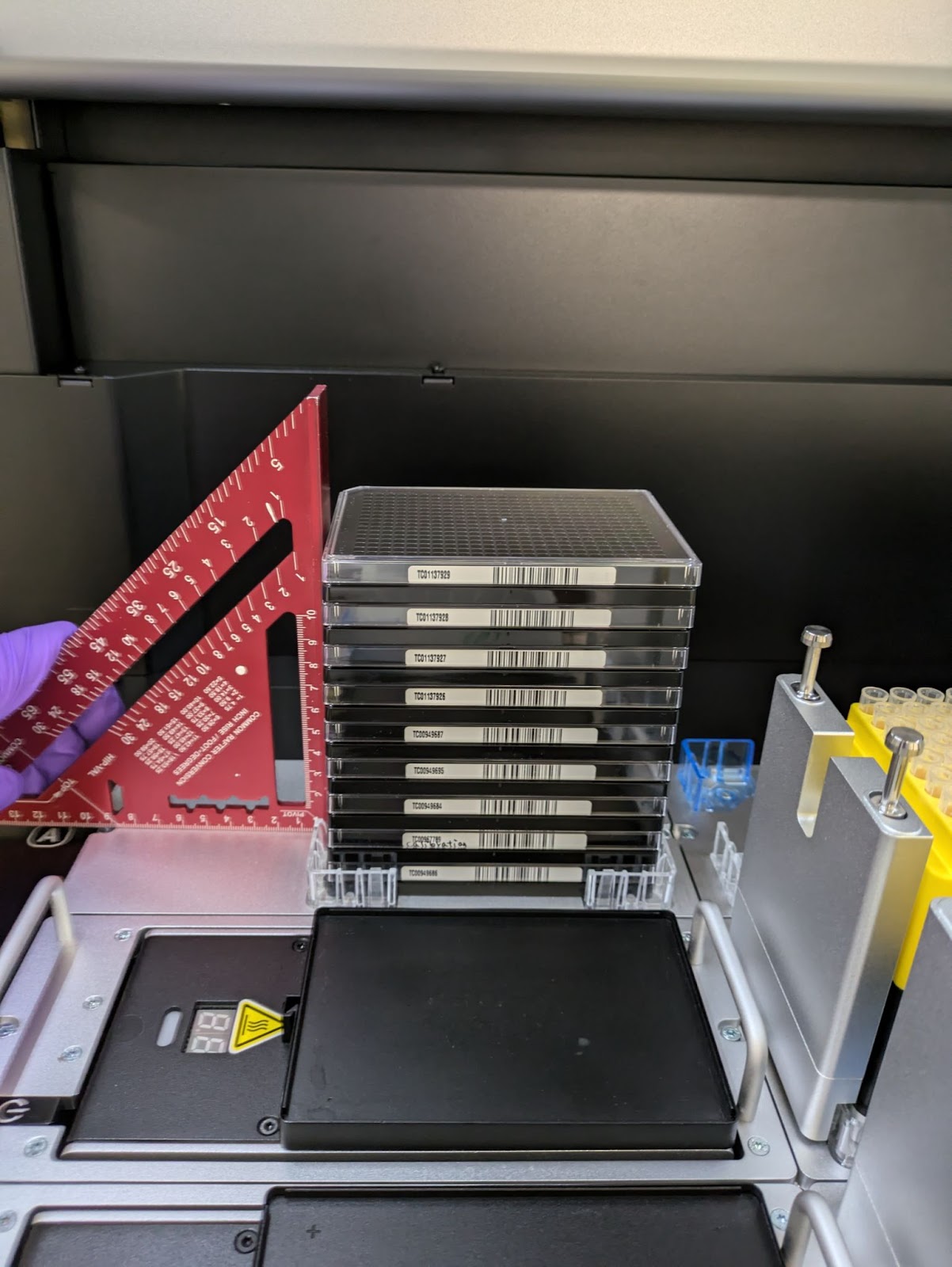
(My stupid solution to ensuring the monster 9 stack 384 MP tower is aligned so that plates actually hit the bevel when they’re moved to a pipetting spot)
Media Exchange gif
Combined well plates and deep well plates gif
11 Likes
That’s really cool! is the flex within a Biosafety enclosure or is the HEPA module sufficient for your cell culture?
Also, did you define the plate stacks with the Protocol Designer or did you have to generate the gripper commands/positions yourself?
2 Likes
The protocol designer (as far as I’m aware) does not support plate or lid stacking, nor does the opentrons API itself annoyingly, so what I do is I trick the software into thinking it’s moving a labware, but it’s actually moving the lid / plate and then deleting it so I can stack another on top of that location
Example:
- Load Plate into slot A1
- Pick up Plate with a higher offset and move it into slot A2
- Programmatically Delete slot A2
- Programmatically Reload Plate into slot A1 for pipetting
If you need to stack lids on top of each other:
- Delete labware on slot A2
- Repeat step 1 but with a drop offset corresponding to the lid height
As for the enclosure, we just use a laminar flow spetec hood, which believe it or not is sterile when running. We never get contamination from these guys and they’re also cheap to boot (5-10kish euro). We modified one we previously had an OT2 in to fit the flex since the big bastard didn’t quite fit
4 Likes
That’s interesting, it seems like an opportunity to build a digital twin. 
Any other features on the wishlist?
1 Like
This is awesome, thanks for sharing the pictures and GIFS. 
1 Like
I’ve been wanting to implement something like this for our flex! Would you mind posting the code for the stacking ability so I can reference it?
1 Like
That lid stacking is pretty impressive!
2 Likes
Thank you so much for sharing, really clever way to do the stacking! I’ll try adapting it for my protocols and let you know how it goes!
2 Likes
Let me know @bb.arcadia! Be sure to change the z_heights in the code to however high your labware is, you often have to play with the values a few times to get it to work
2 Likes
Hi there, this is really cool! I have been trying to work around the absence of stacking in the code by playing with the offset of the move_labware() function. It works amazingly to unload a plate from a stack, but when it’s time to stack them back, it will tell me that there already is a labware in that slot and won’t work. I have thought about the move_labware() function with off-deck option, but it will pause the protocol until someone clicks on the touchscreen, I was hoping to something I could keep hands-off to allow walk away time. So, what function or what do you mean when you say you “delete programmatically” a labware form a position in order to use the move_labware() + Offset to stack plates back together?
1 Like
@DavideAnnese I just delete the labware from that location every time you want to move something to a spot.
What I do to keep the code clean is I have a list of z offsets that I just reference with a variable that increases as I put something in that area. So 2 plates stacked currently and I’m moving a 3rd one means list[var = 2]
Ok, it makes sense, but what function do you use to “delete” a labware from a position in the script? is there a function like “ protocol.unload(labware, A4) “or similar?
The command you’re looking for is:
del protocol.deck[] eg. “D1”
Hope that helps! Be careful when stacking labware, be sure to measure first and know that when moving labware, the robot has no idea whats already on the deck when using this method. So to avoid crashes you need to do some math / watch it like a hawk at first
2 Likes